166 007-4486-001
Chapter 5: Ordering, Removing, Upgrading, Installing Replacement Parts
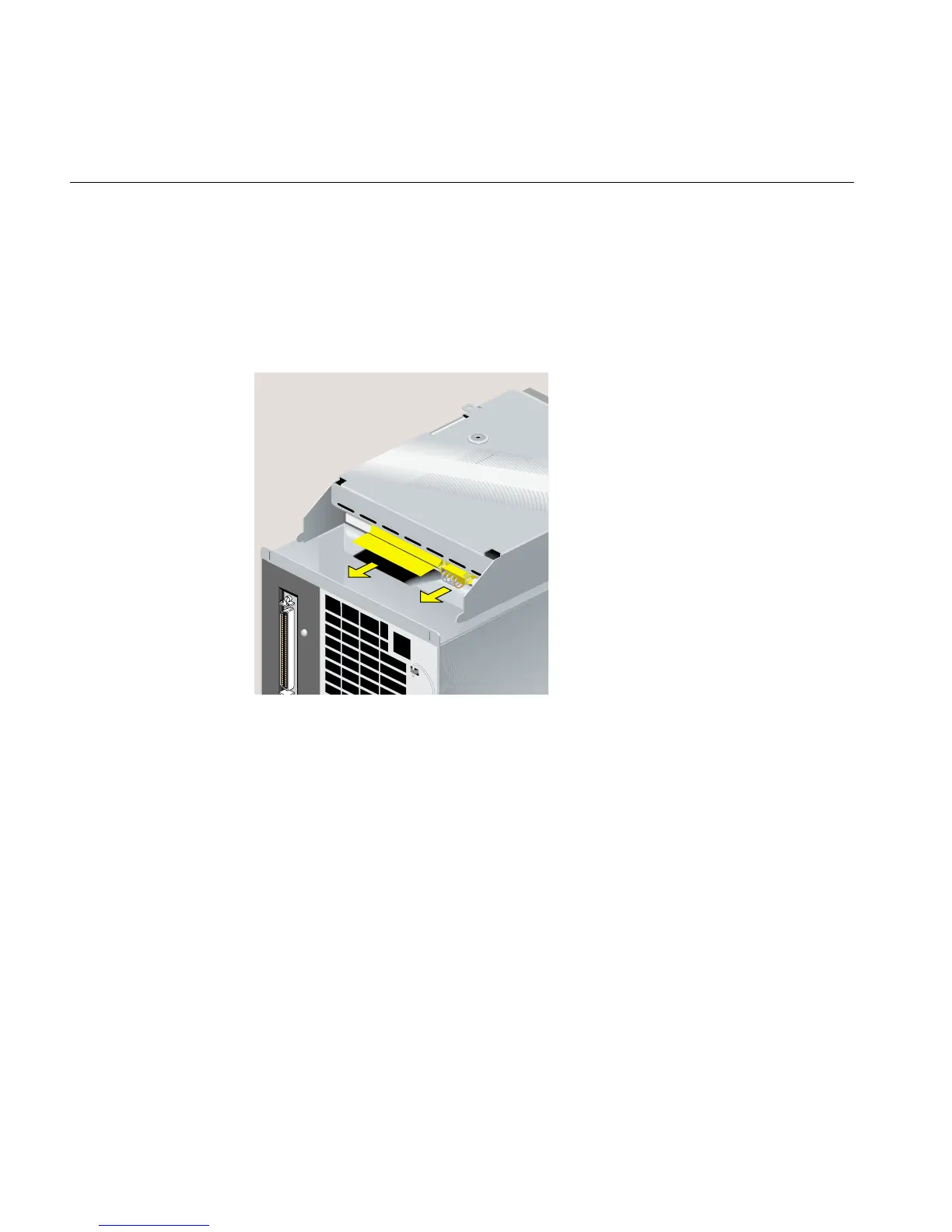
10. Disconnect the SCSI and power cables (Figure 5-52) as follows:
• Remove the SCSI cable by pulling on the thin plastic tab attached to the cable.
• Remove the four-wire power cable by pulling on the wing tabs on either side of
the connector. It may be tight, and you may need to wiggle it slightly as you
pull.
Figure 5-52 Disconnecting the SCSI and Power Cables
11. Place the faulty CD-ROM drive aside.



 To Next Page