Removing Memory Modules
007-4486-001 37
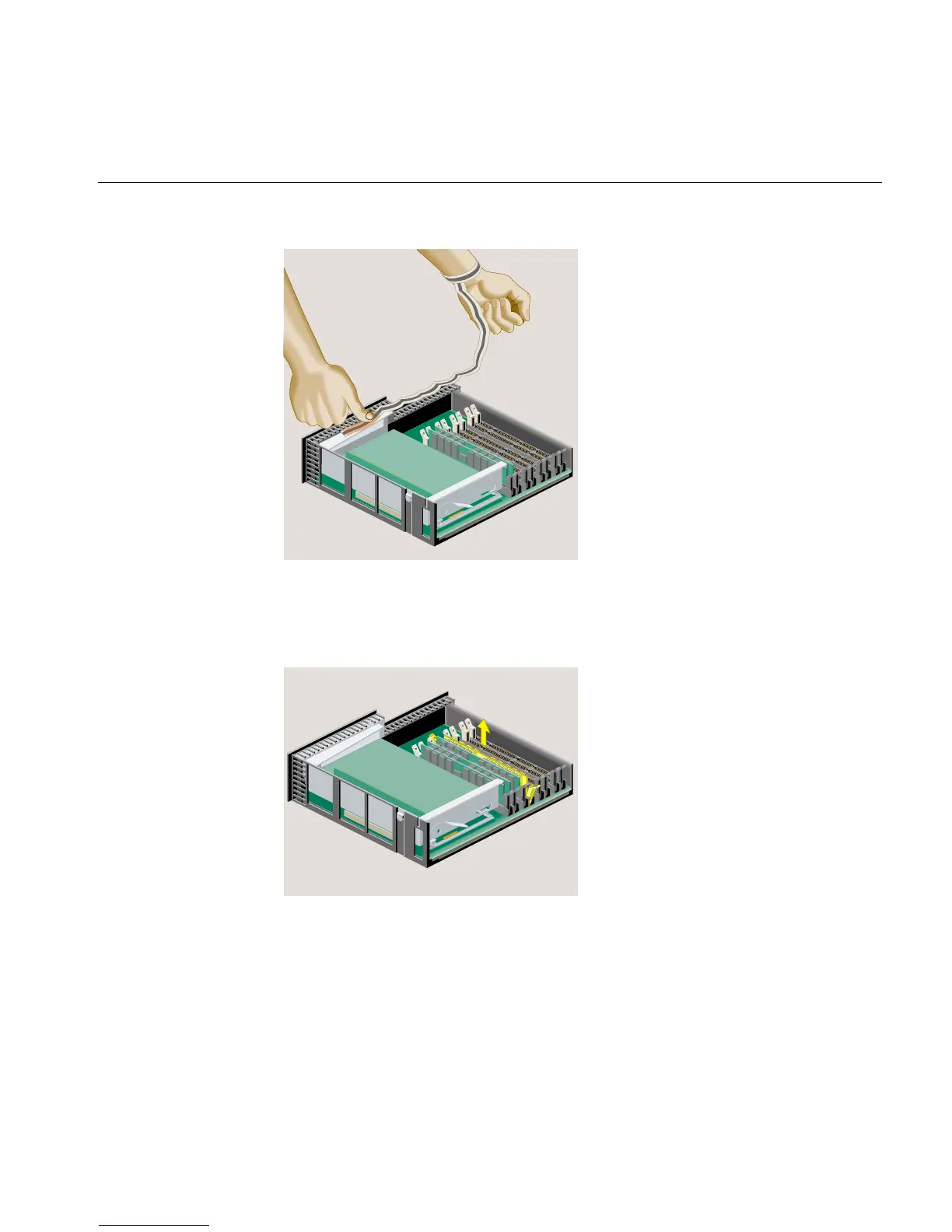
Figure 2-11 Attaching the Wrist Strap
3. Remove the DIMM by pushing down the latches on both sides to release it. Pick up
the DIMM and set it aside (Figure 2-12).
Figure 2-12 Removing the Memory Module
4. If you want to install memory modules, see “Installing Memory Modules.” If not,
remove the wrist strap and follow the steps in “Reinstalling the System Module.”



 To Next Page