122 007-4486-001
Chapter 5: Ordering, Removing, Upgrading, Installing Replacement Parts
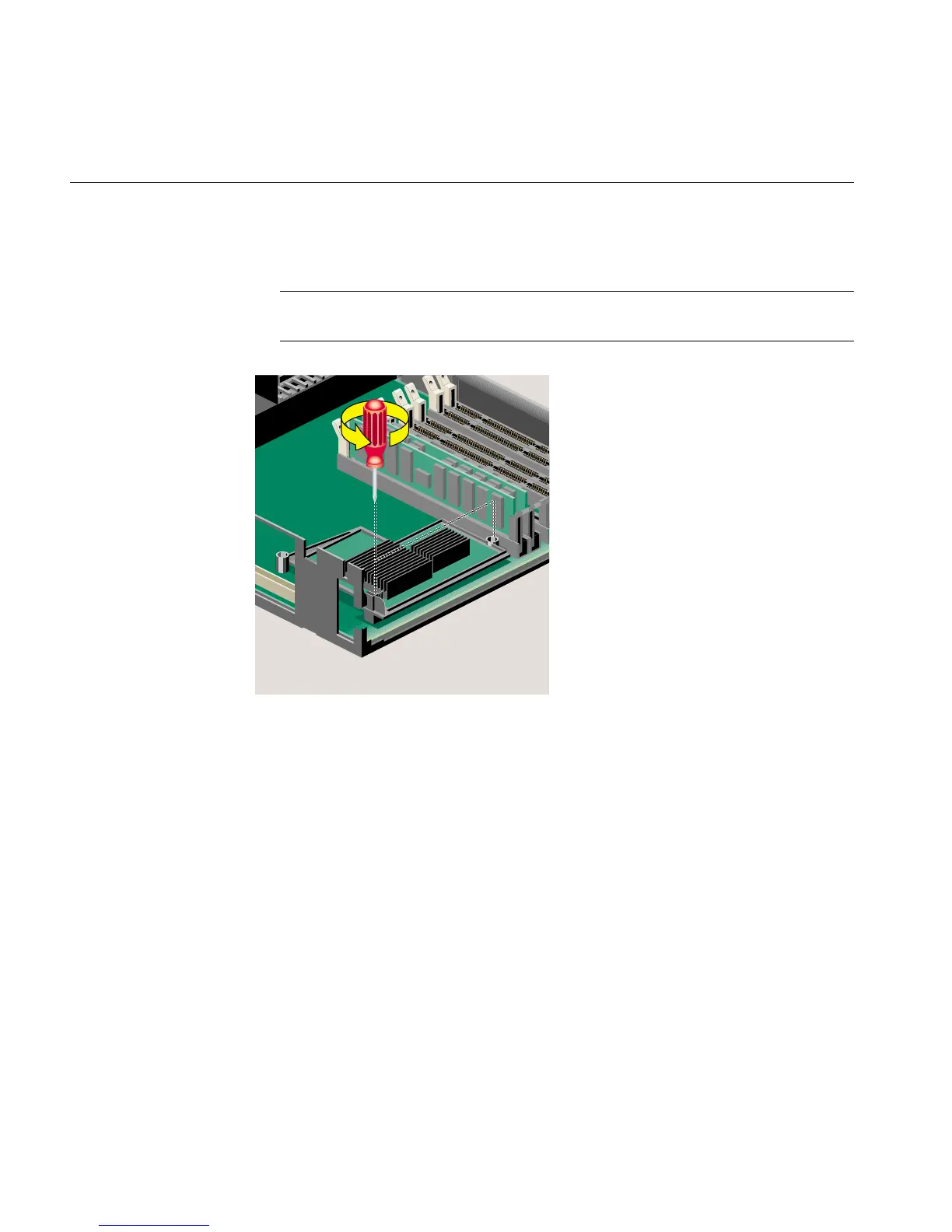
5. Locate the RM7000class CPU module (Figure 5-4). Use a Phillips screwdriver to
remove the two screws from the locations shown.
Note: The illustrations show the current CPU. Future CPUs may look slightly
different, but the installation steps are the same.
Figure 5-4 Removing the Phillips Screws on the RM7000class CPU Module



 To Next Page