Connecting Audio and Video Devices
007-4486-001 101
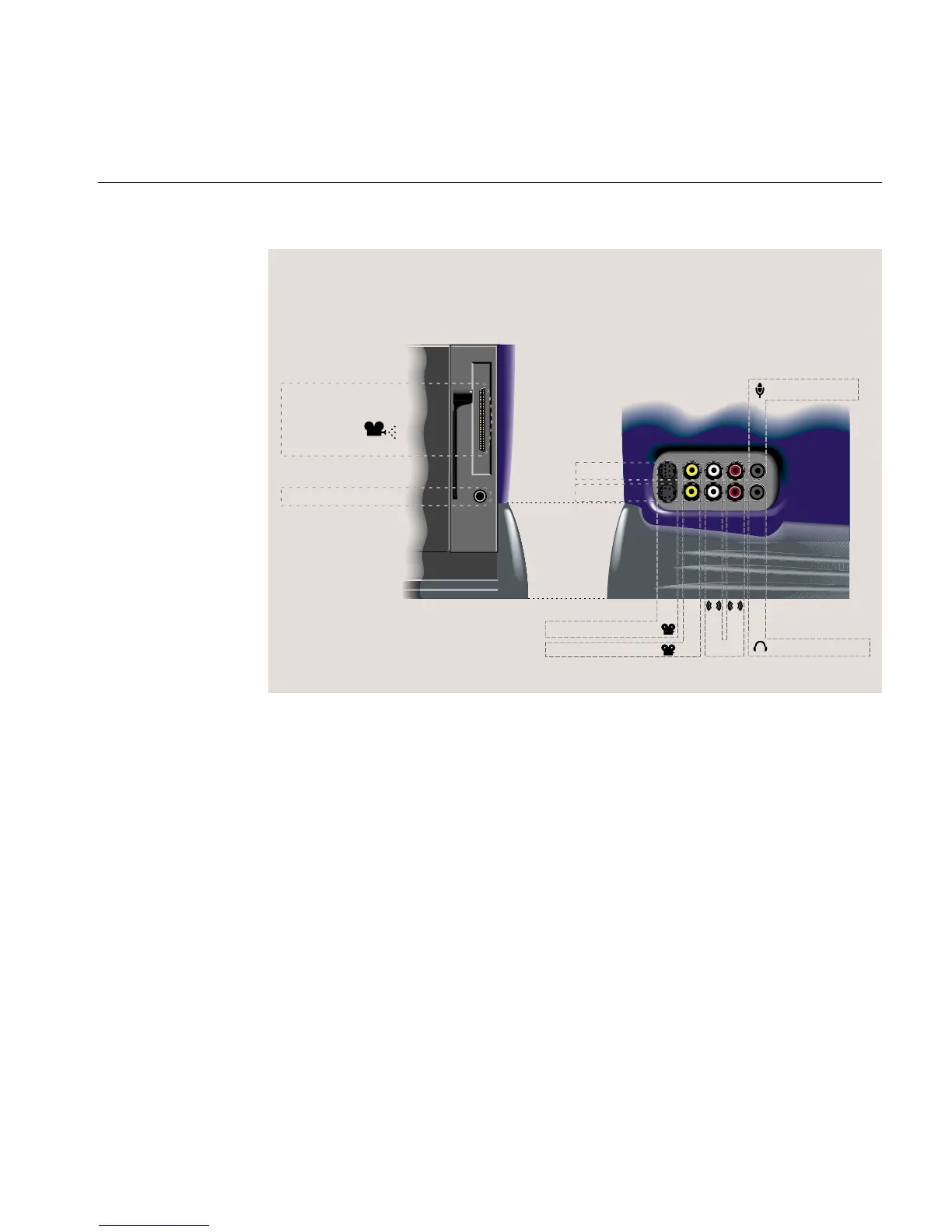
Figure 3-23 Audio and Video Ports
For cable pinout information, see Hardware Central. (If your Web browser is not loaded,
it takes a few seconds to load.) Or, if you are viewing this on a remote server, see “Cable
Pinout Assignments” in Appendix A.
For information on digital audio and video tools, see Digital Media Tools User’s Guide,or
in the Help menus of digital media applications.
Connecting Audio Devices
The side panel audio ports support:
• Stereo line level in and out (RCA plugs)
• Stereo headphone out (3.5 mm phono)
Stereo audio out
Camera/digital
video I/O*
* Not all models
Left
Right
Composite video*
IN
S-video*
Headphones out
Microphone in
OUT
Audio
S
L
R
Rear Side



 To Next Page