Securing the O2+ Workstation
007-4486-001 21
Securing the O2+ Workstation
Your workstation comes with a separate lockbar and a built-in slot for the Kensington
lock and cable. The lock and cable are not supplied by SGI. You purchase them separately
from a computer store. To secure the workstation, follow these steps:
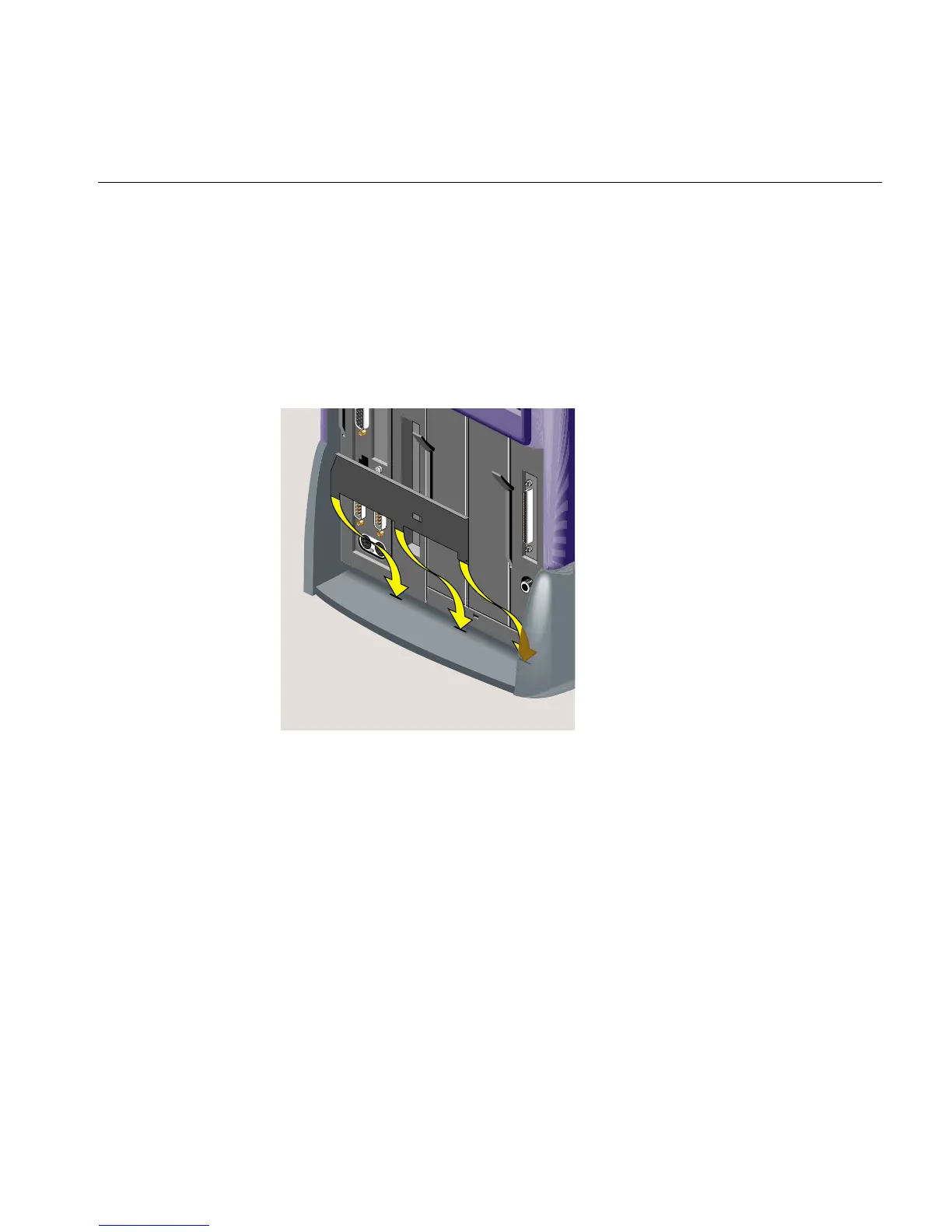
1. Slide the feet of the lockbar into the holes on the rear of the workstation
(Figure 1-19).
Figure 1-19 Attaching the Lockbar to the Workstation



 To Next Page