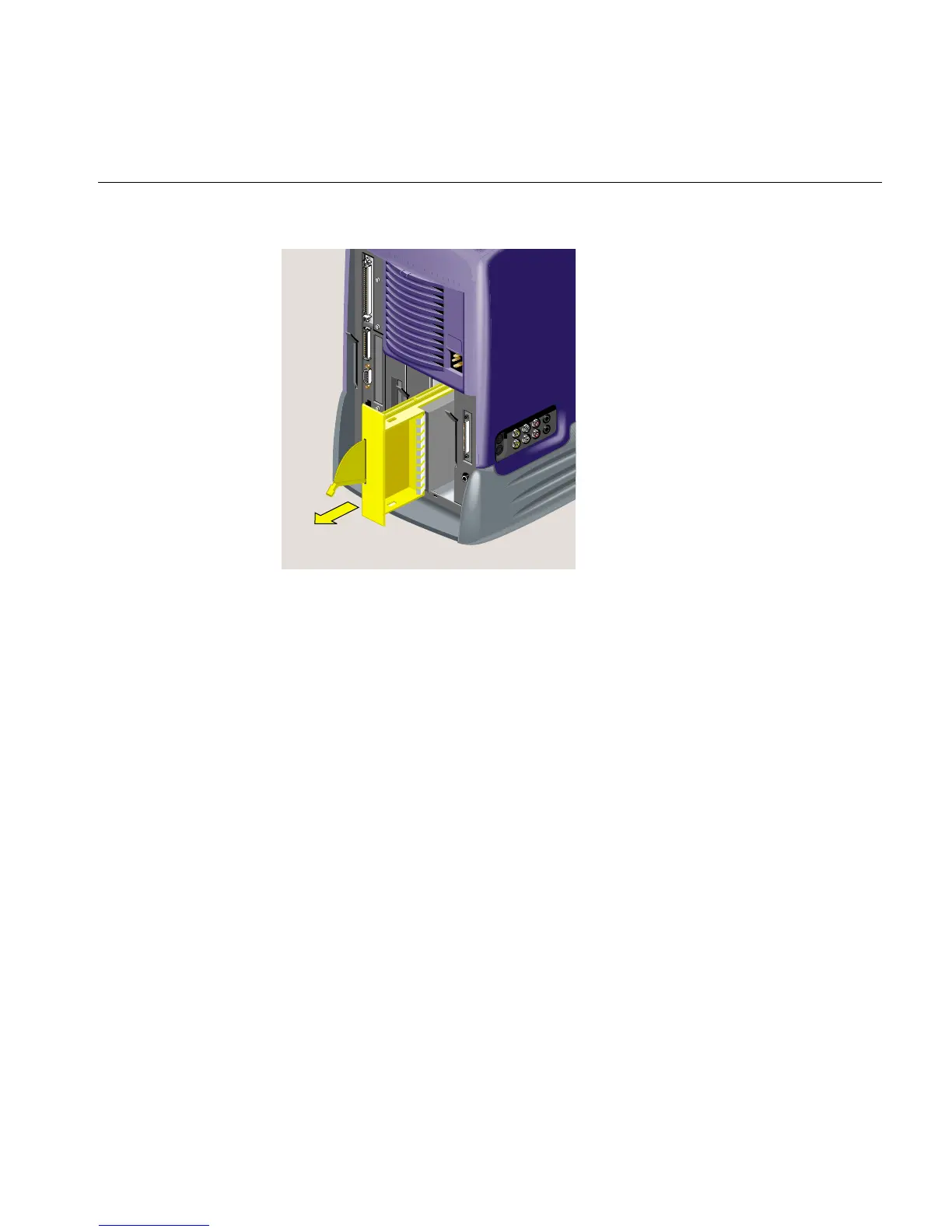
Removing the Second Internal Hard Drive in an RM7000class workstation
007-4486-001 89
Figure 3-15 Sliding the Second Hard Drive out of the Chassis
5. If you are installing another optional hard drive, see steps 7 and 8 of “Installing a
Second Internal Hard Drive in an RM7000class Workstation.” Otherwise, replace
the blank filler panel over the open drive slot (Figure 3-16). (You removed the panel
when you first installed the drive.)



 To Next Page