112 007-4486-001
Chapter 4: Troubleshooting
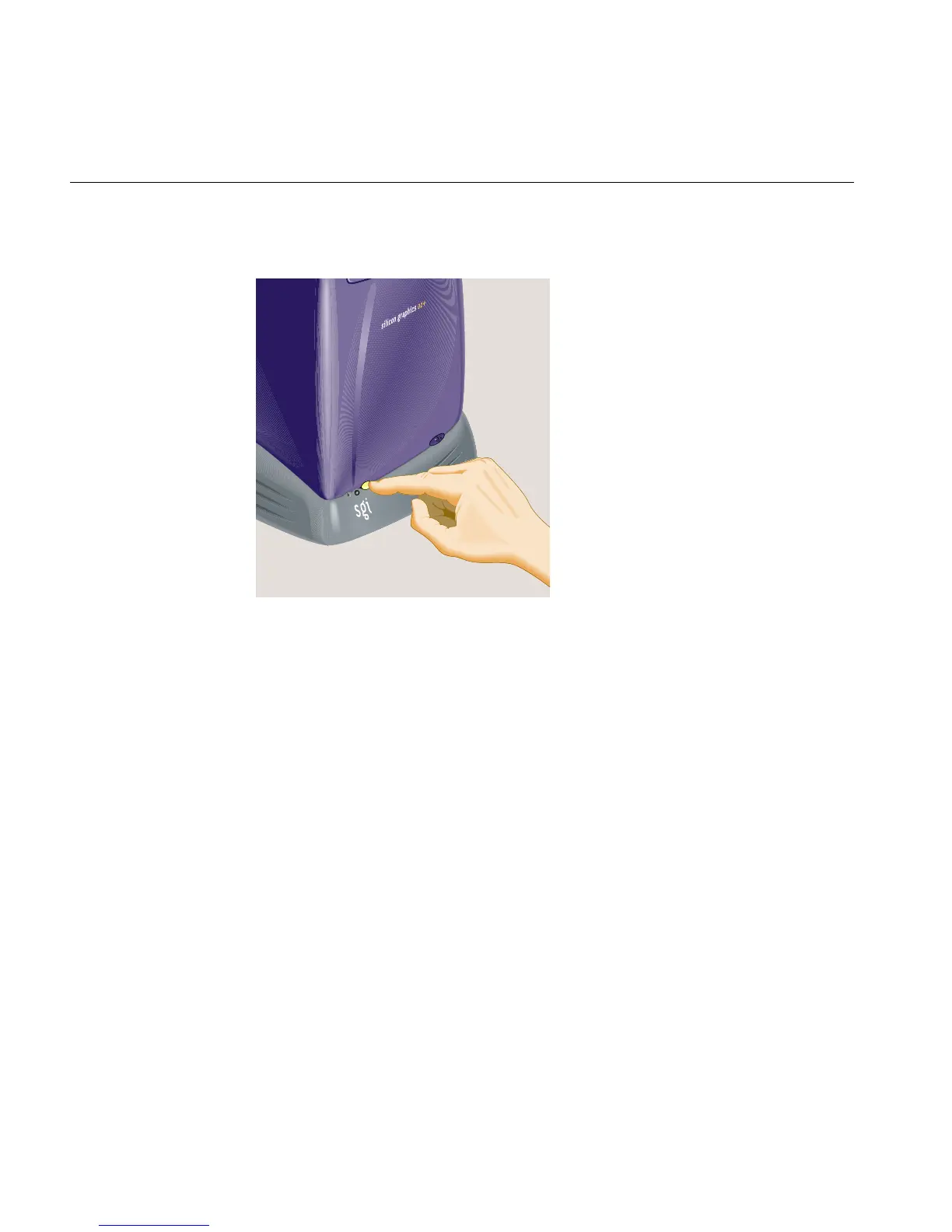
1. Turn off the workstation by pressing the power button on the front (Figure 4-8).
Figure 4-8 Turning Off the Workstation
2. Remove the system module by releasing the lever on the extreme left as you face the
rear of the workstation and sliding the module out. (See “Removing the System
Module” in Chapter 2).
3. Release and remove the PCI tray, as follows:
• If you have an RM7000class workstation, see “Removing a PCI Board in an
RM7000class Workstation” in Chapter 2.
• If you have an R12000class workstation, see “Removing a PCI Board in an
R12000class Workstation” in Chapter 2.
4. Before touching any of the components, attach the wrist strap to your wrist and to a
metal part of the chassis (Figure 4-9).



 To Next Page