96 007-4486-001
Chapter 3: Installing or Removing Peripherals
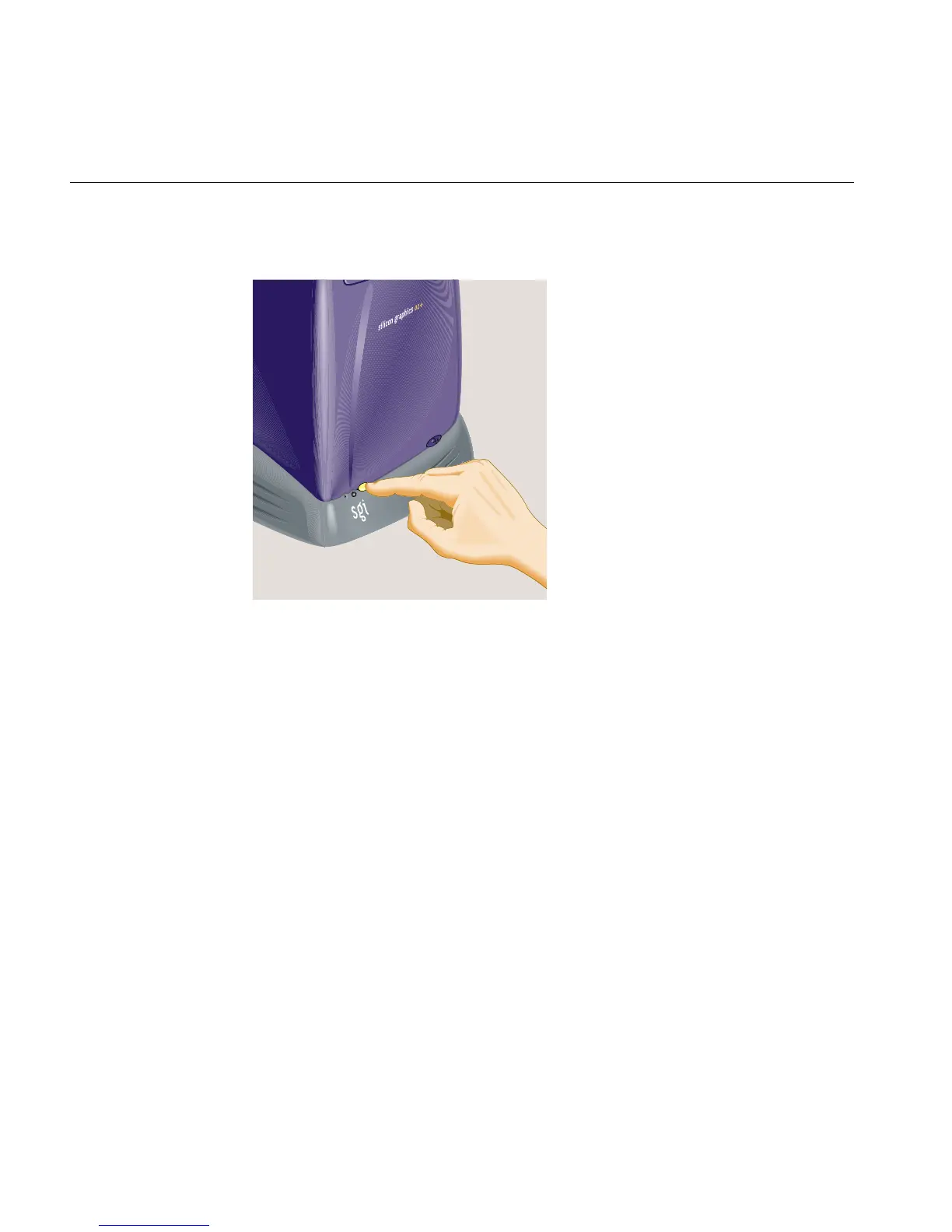
1. Turn off the workstation (Figure 3-20).
Figure 3-20 Turning Off the Workstation
2. Read the instructions in “Choosing a SCSI Address for the External Device” and
“Setting the SCSI Address on the External Device.” Then return here.
3. Remove the active SCSI terminator from the first device on the daisy-chain.
4. Choose the appropriate SCSI cable, as follows:
For the first external device, choose as follows:
• For the SCSI device with a wide 68-pin connector, use a 68-pin SCSI-3 to 68-pin
SCSI-3 cable (0.75 meter).
• For the SCSI device with a narrow 50-pin connector, use a 68-pin SCSI-3 to
50-pin Centronics SCSI-2 cable (0.75 meter).
For the second and all other devices on the daisy-chain, choose as follows:
• For the SCSI device with a wide 68-pin connector, use a 68-pin SCSI-3 to 68-pin
SCSI-3 cable (0.25 meter).
• For the SCSI device with a narrow 50-pin connector, use a 50-pin Centronics
SCSI-2 to 50-pin Centronics SCSI-2 cable (.5 meter).



 To Next Page