Connecting External SCSI Devices
007-4486-001 93
Setting the SCSI Address on the External Device
Now that you have chosen a SCSI address, you need to set the address manually on the
device that you will install. Most SCSI devices have a push-button switch or dial. The
switch or dial is usually located on the rear or bottom of the device. You may need a small
screwdriver or pen tip to set the dial or push the buttons. See the following:
• If you will install the first external SCSI device, see “Connecting One External SCSI
Device.”
• If you will install additional SCSI devices, see “Connecting More Than One External
SCSI Device.”
Connecting One External SCSI Device
To connect one external SCSI device, follow these steps:
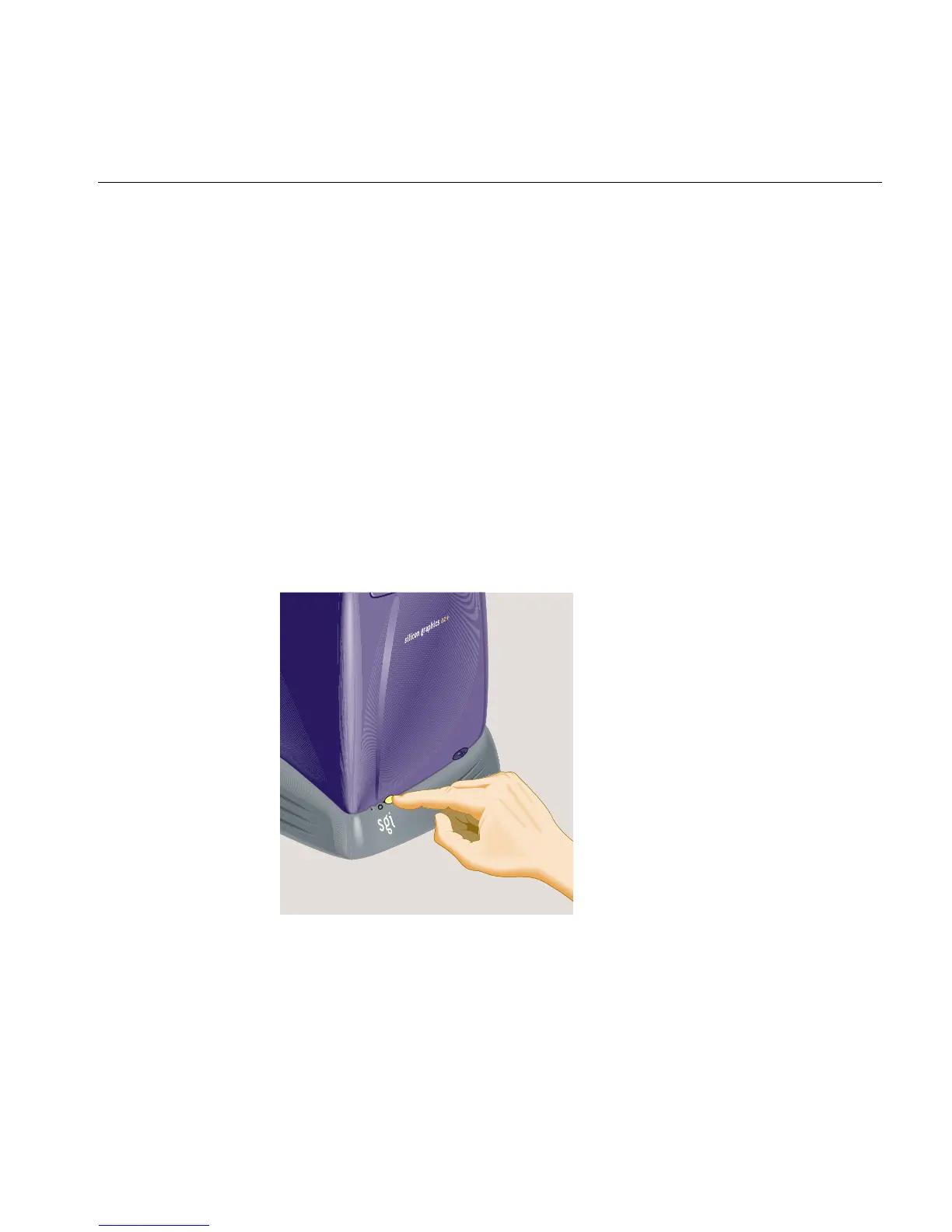
1. Turn off the workstation (Figure 3-18).
Figure 3-18 Turning Off the Workstation
2. Choose the appropriate cable, as follows:



 To Next Page