44 007-4486-001
Chapter 2: Installing or Removing Memory and Option Boards
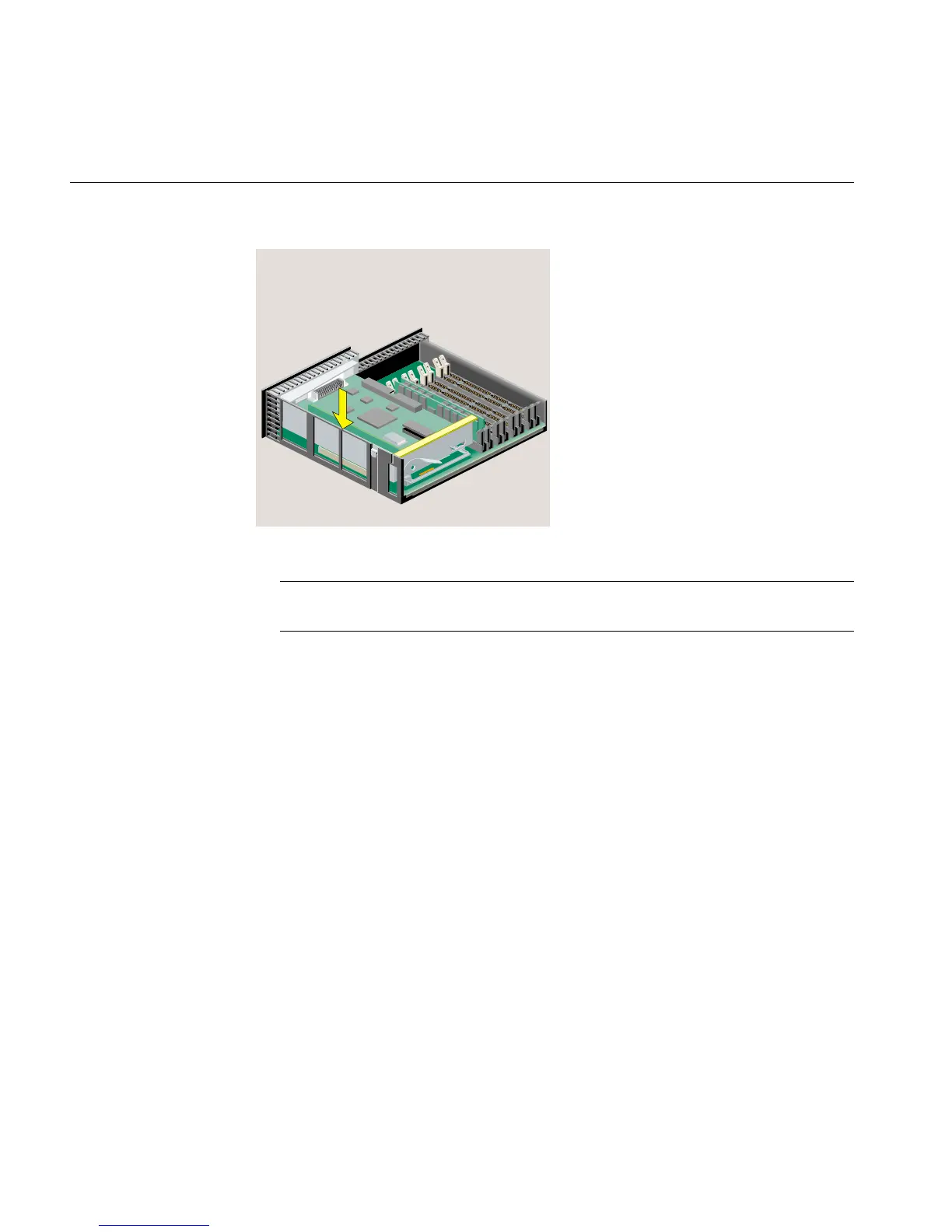
Figure 2-19 PCI Tray Seated Correctly
Note: If the option board you installed comes with a cable, remember to connect the
cable to the option board’s external port after you reinstall the system module.
10. Follow the steps in “Reinstalling the System Module.”
Removing a PCI Board in an RM7000class Workstation
To remove a PCI board in an RM7000class workstation, follow these steps:
1. If you have not already done so, remove the power cable and remove the system
module from the chassis. (See “Removing the System Module.”)
2. Release the PCI tray by pushing up the lever on the side (Figure 2-20). The tray pops
up.



 To Next Page