Removing an Option Board
007-4486-001 67
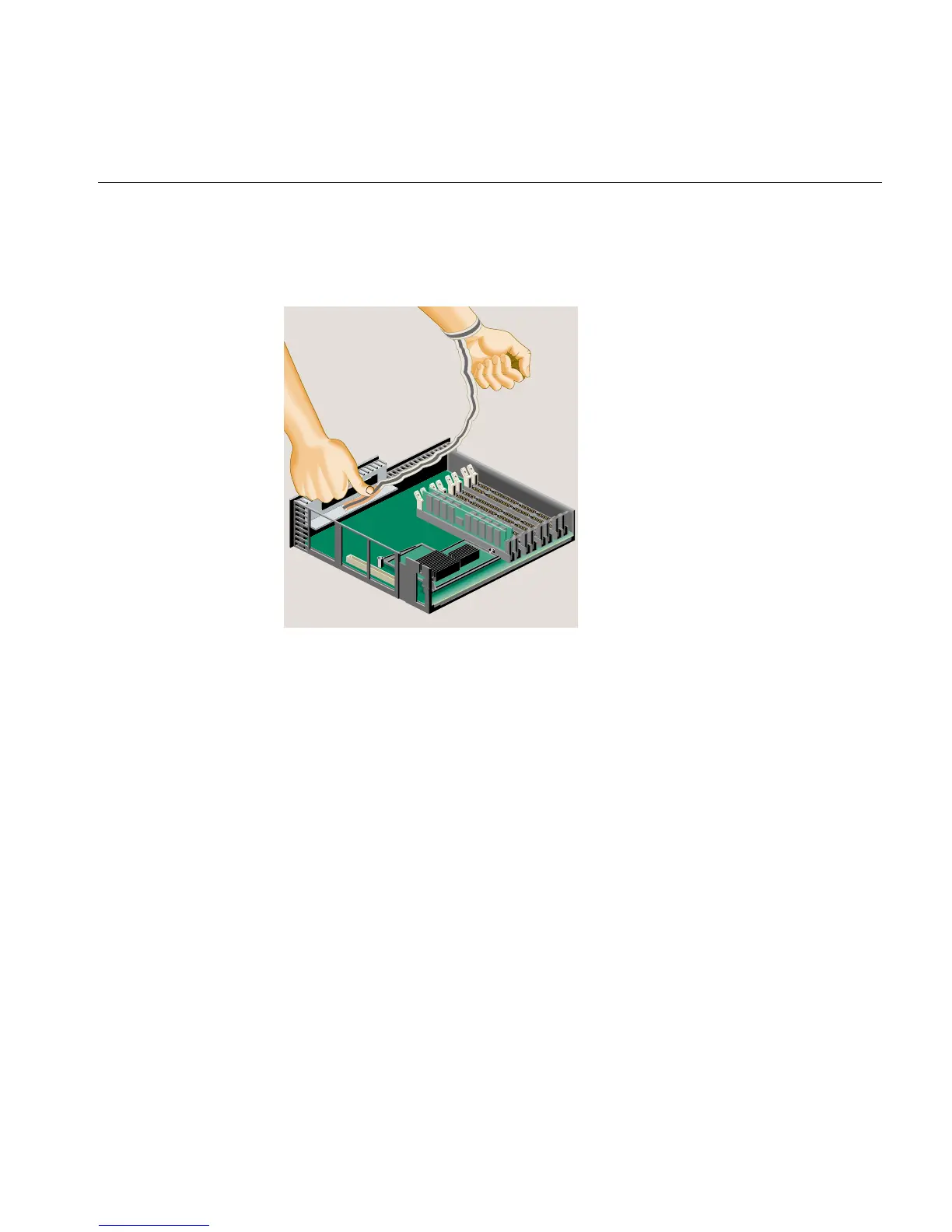
• Peel the liner from the copper foil at the opposite end.
• Attach the copper foil to the metal part of the chassis.
Figure 2-48 Attaching the Wrist Strap
4. Grasp the board on either side and gently rock it out until it disconnects from the
slot on the system board (Figure 2-49). Do not exaggerate the rocking motion,
because you should not bend the pins. You may find this difficult because there is
limited space in which to work.



 To Next Page