158 007-4486-001
Chapter 5: Ordering, Removing, Upgrading, Installing Replacement Parts
Replacing the CD-ROM Drive
If you are instructed by your service provider to replace the CD-ROM drive, follow these
steps. (Note that you must first remove the exterior covers before you can reach the
drive.)
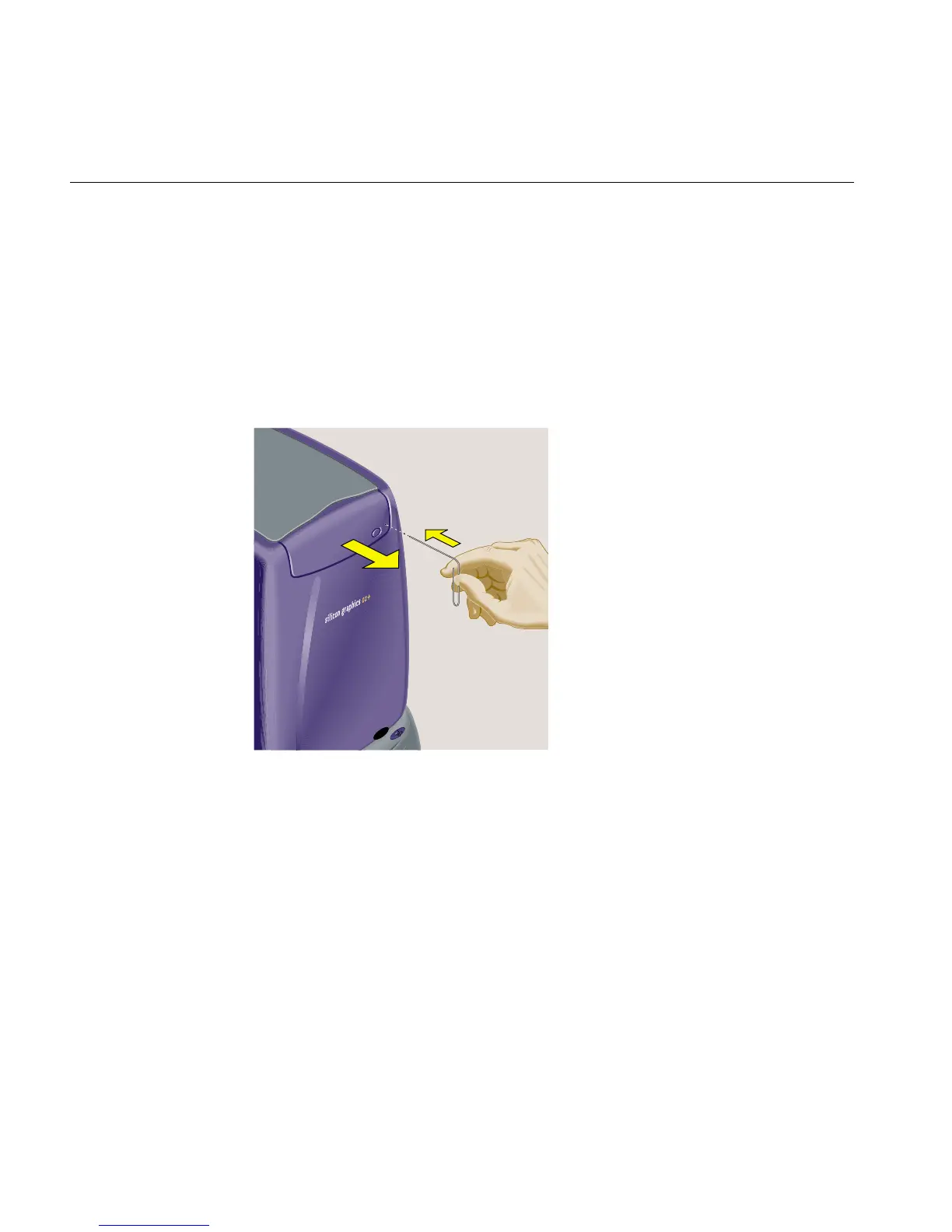
1. If the CD eject button does not work, insert a straightened paper clip in the tiny hole
beneath the eject button to release the CD-ROM tray (Figure 5-44). (The CD eject
button may not work if the CD-ROM has failed.)
Figure 5-44 Opening the CD-ROM Drive



 To Next Page