Installing a PCI Board in an R12000class Workstation
007-4486-001 47
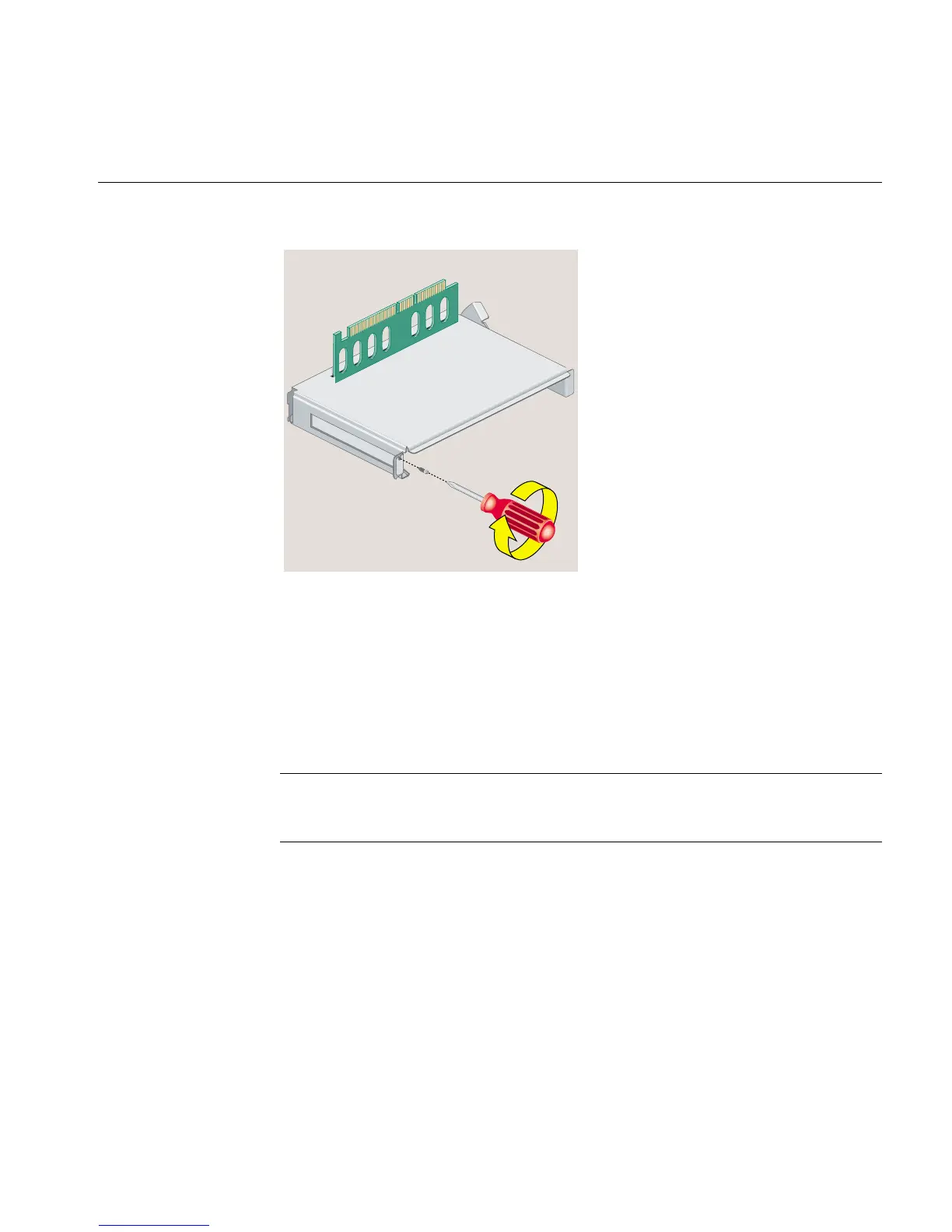
Figure 2-23 Replacing the Filler Panel and Screw on the PCI Tray
6. Follow the steps in “Reinstalling the System Module.”
Installing a PCI Board in an R12000class Workstation
To install a PCI board in an R12000class workstation, follow these steps:
Note: Check the documentation and software release notes that comes with the PCI
board for instructions on installing the software. The software may include online
software guides.



 To Next Page