120 007-4486-001
Chapter 5: Ordering, Removing, Upgrading, Installing Replacement Parts
Replacing the RM7000class CPU Module
If you are instructed by your service provider to replace the RM7000class CPU module,
follow these steps.
1. If you have not already done so, turn off the workstation, remove the power cable,
and remove the system module from the chassis. See “Removing the System
Module” in Chapter 2.
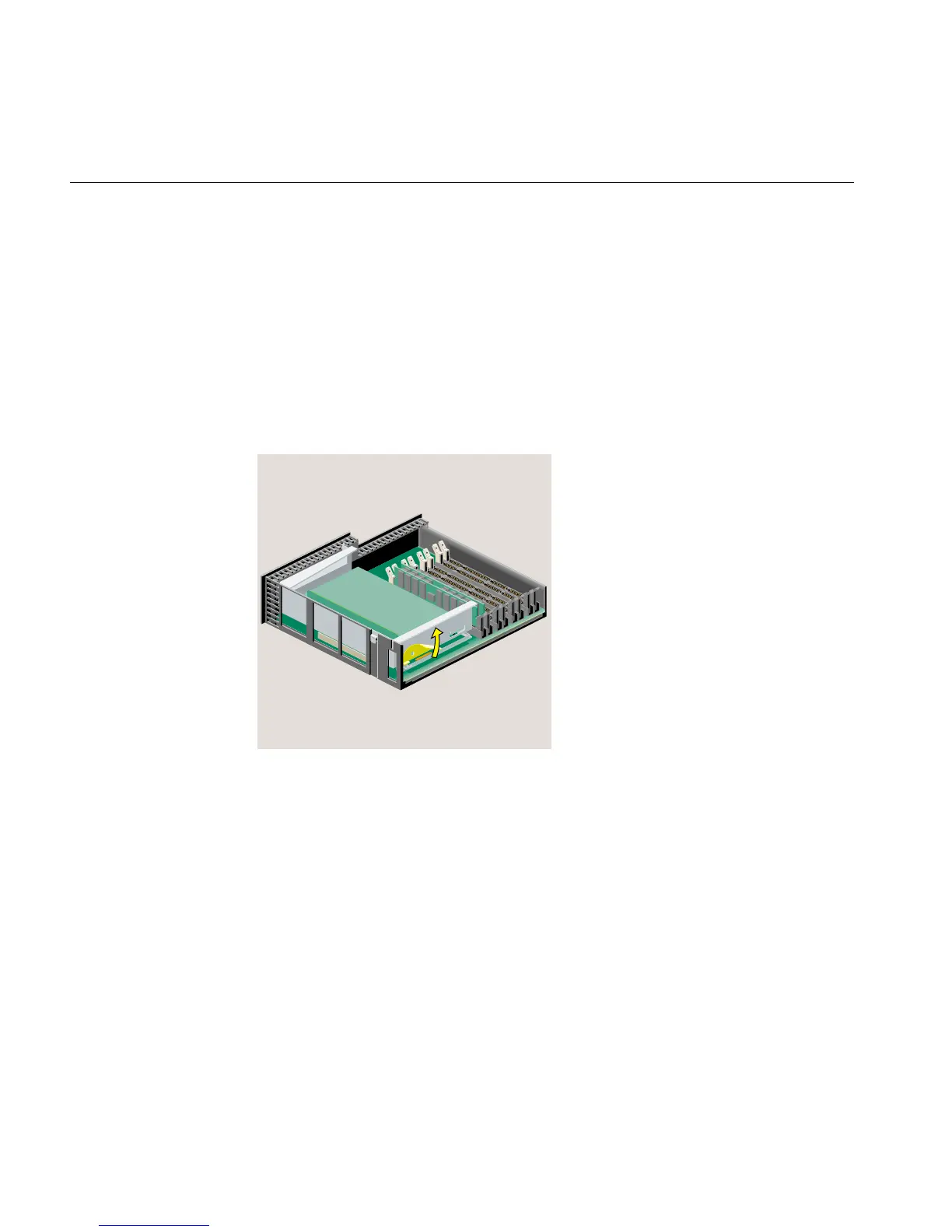
2. Release the PCI tray by pushing up the lever on the side (Figure 5-1). The tray pops
up.
Figure 5-1 Releasing the PCI Tray on the RM7000class Workstation
3. Push down slightly on the rear of the PCI tray and remove it from the system
module (Figure 5-2). Do not remove the PCI board (if one is installed) from the tray.



 To Next Page