Locating Your Workstation’s Serial Number
007-4486-001 23
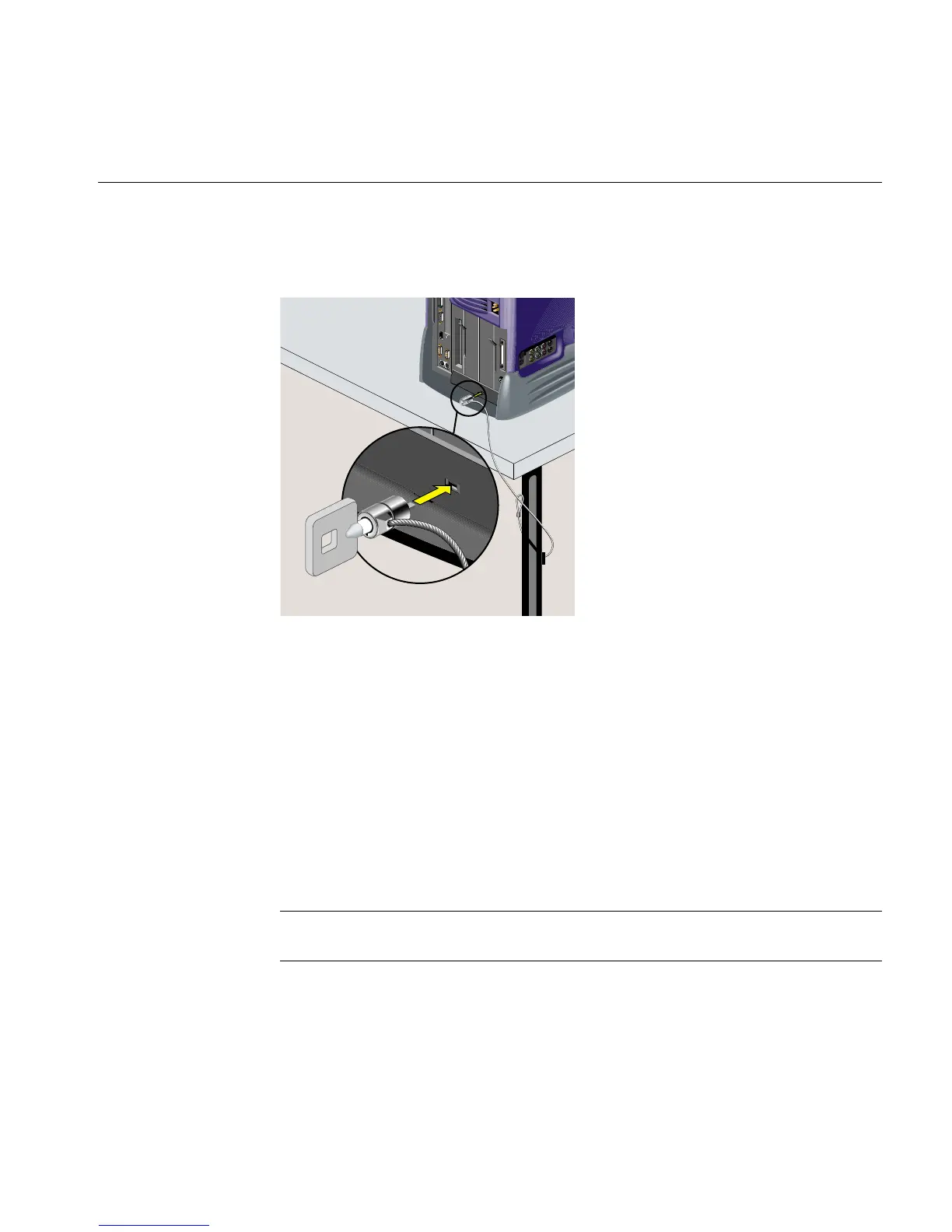
3. Insert the Kensington lock into the built-in security connector on the workstation.
Push the key into the lock and turn it (Figure 1-21).
Figure 1-21 Locking the O2+ Workstation
Removing the Lockbar
To remove the lockbar, unlock and remove the security connector. Then slide the lockbar
to the left and lift it out.
Locating Your Workstation’s Serial Number
At times you may need to know your workstation’s serial number. This section lists
several ways that you can find it. The serial number is the one that begins with 08.
Note: The illustrations show an RM7000class workstation. The serial number is in the
same locations on an R12000class workstation.



 To Next Page