144 007-4486-001
Chapter 5: Ordering, Removing, Upgrading, Installing Replacement Parts
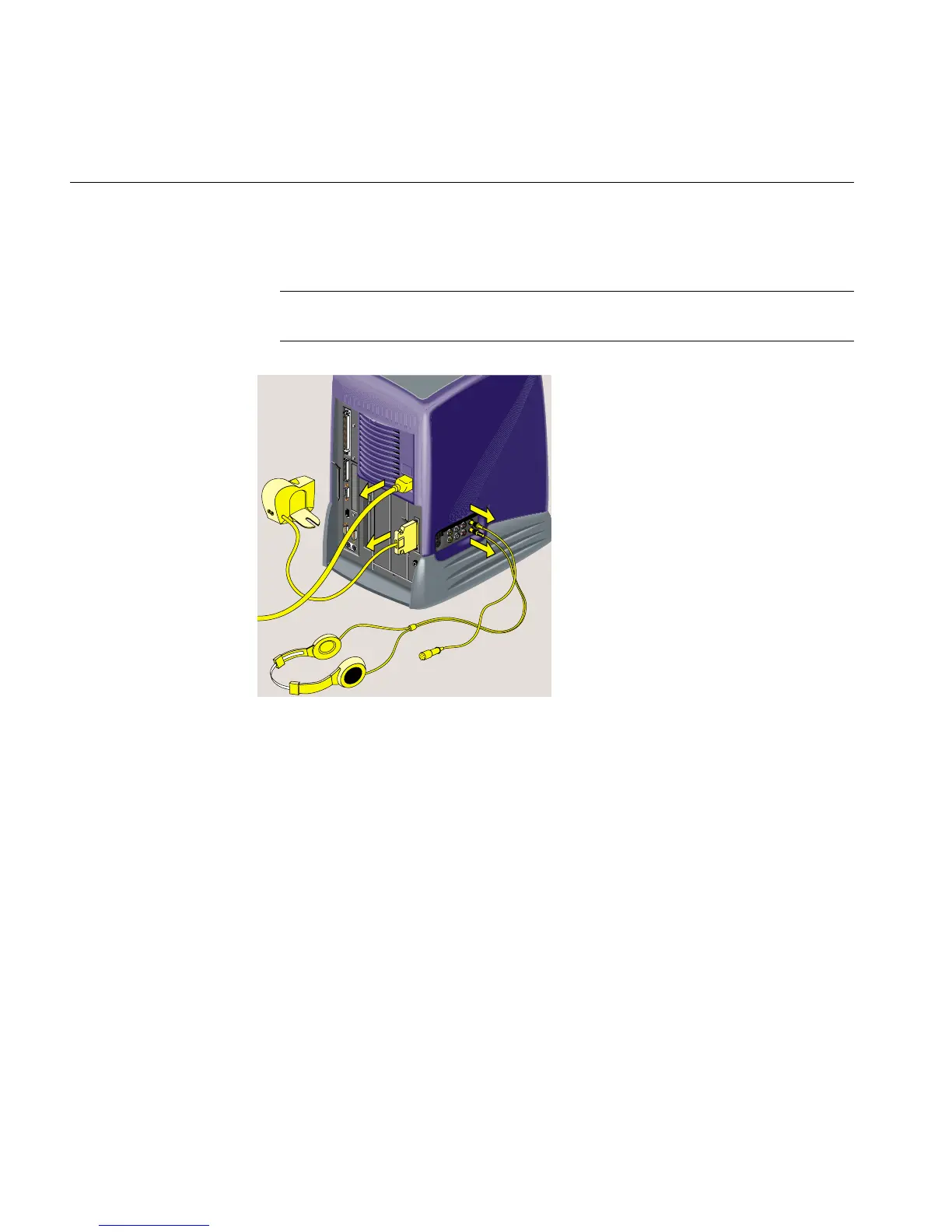
2. Remove the power cable and any cables that are connected to the rear or side panel
of the audio-visual module (Figure 5-28).
Note: The illustrations show an RM7000class workstation. The process of replacing
the audio-visual module is the same on an R12000class workstation.
Figure 5-28 Removing the Cables from the Audio-visual Module



 To Next Page