Installing an Option Board
007-4486-001 53
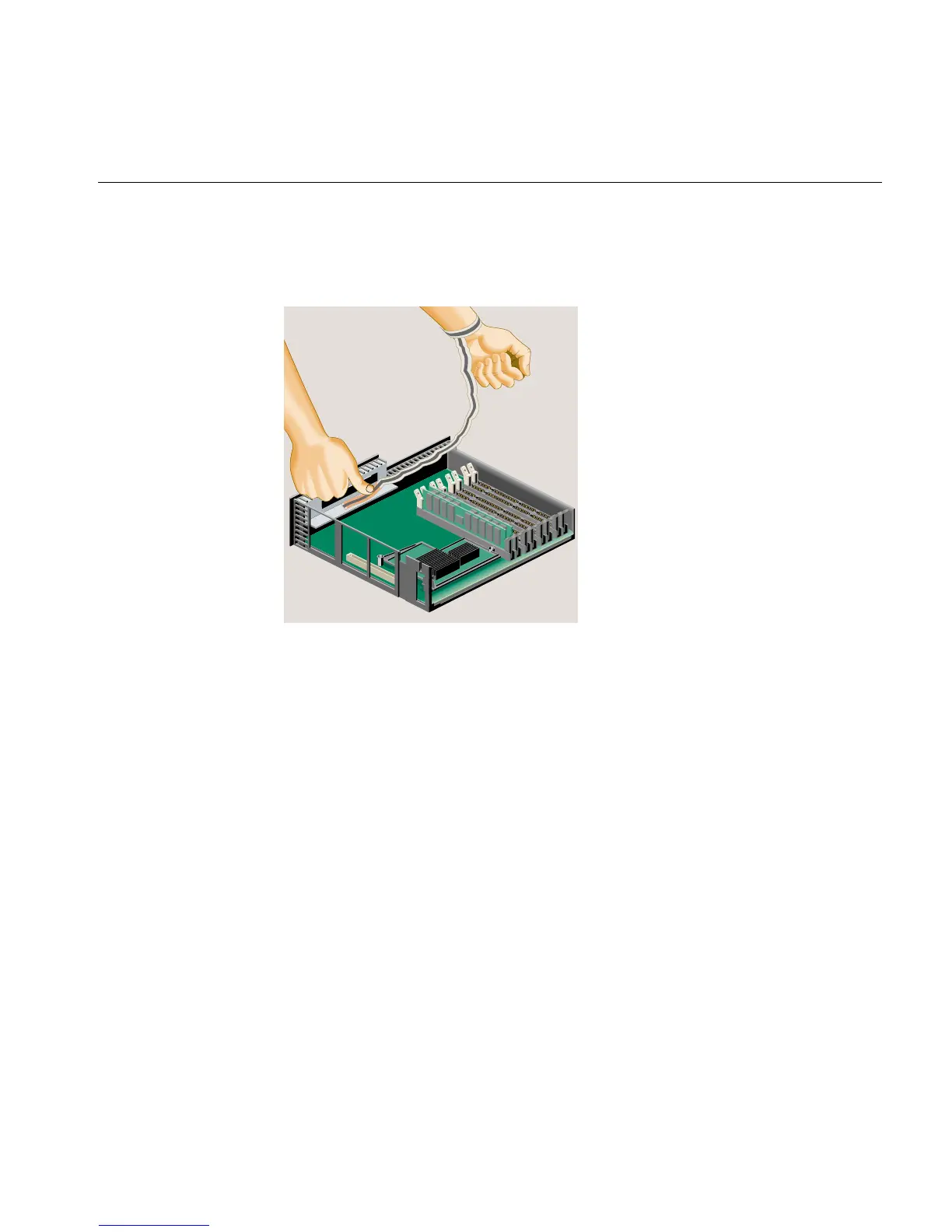
• Peel the liner from the copper foil at the opposite end.
• Attach the copper foil to the metal part of the chassis.
Figure 2-30 Attaching the Wrist Strap
4. If there is a filler panel covering the I/O slot, remove the filler panel as follows:
• Use a Phillips screwdriver to remove the two screws that hold it (Figure 2-31).
• Push the filler panel inward.
• Remove the filler panel and save it. In the event that you remove the option
board and do not replace it, you must reinstall the panel.



 To Next Page