128 007-4486-001
Chapter 5: Ordering, Removing, Upgrading, Installing Replacement Parts
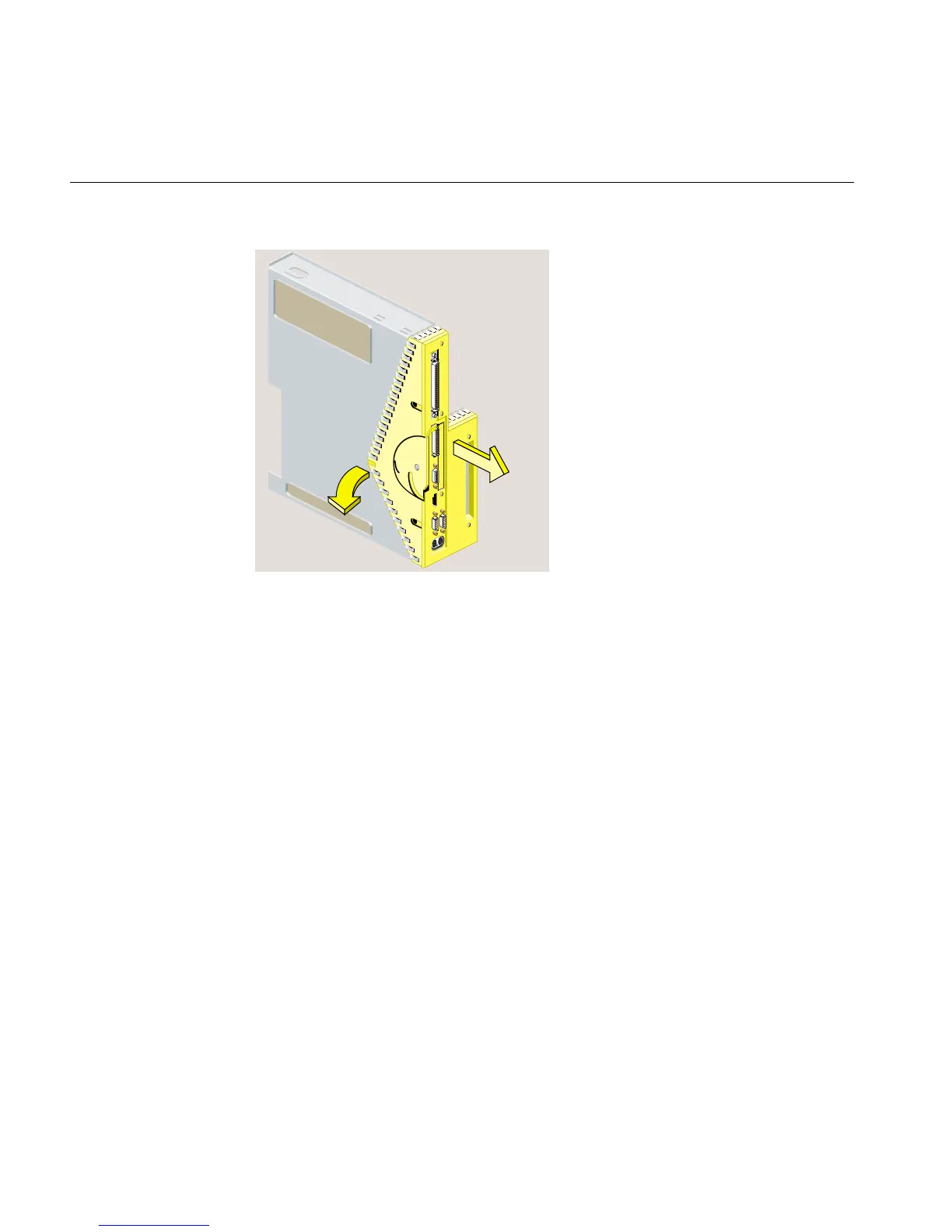
Figure 5-10 Removing the Faceplate from the System Module
4. Release the PCI tray from the system module, as follows. If a PCI board is installed in
the tray, do not remove it from the tray. However, you need to disconnect any cables attached
to the PCI board.
• Insert a screwdriver in the small opening shown in Figure 5-11. Use a twisting
motion to release the PCI connector from the slot on the system module. Then
use an up and down motion to release the PCI tray.
• Pull the PCI tray straight up to remove it, and then set it aside.



 To Next Page