160 007-4486-001
Chapter 5: Ordering, Removing, Upgrading, Installing Replacement Parts
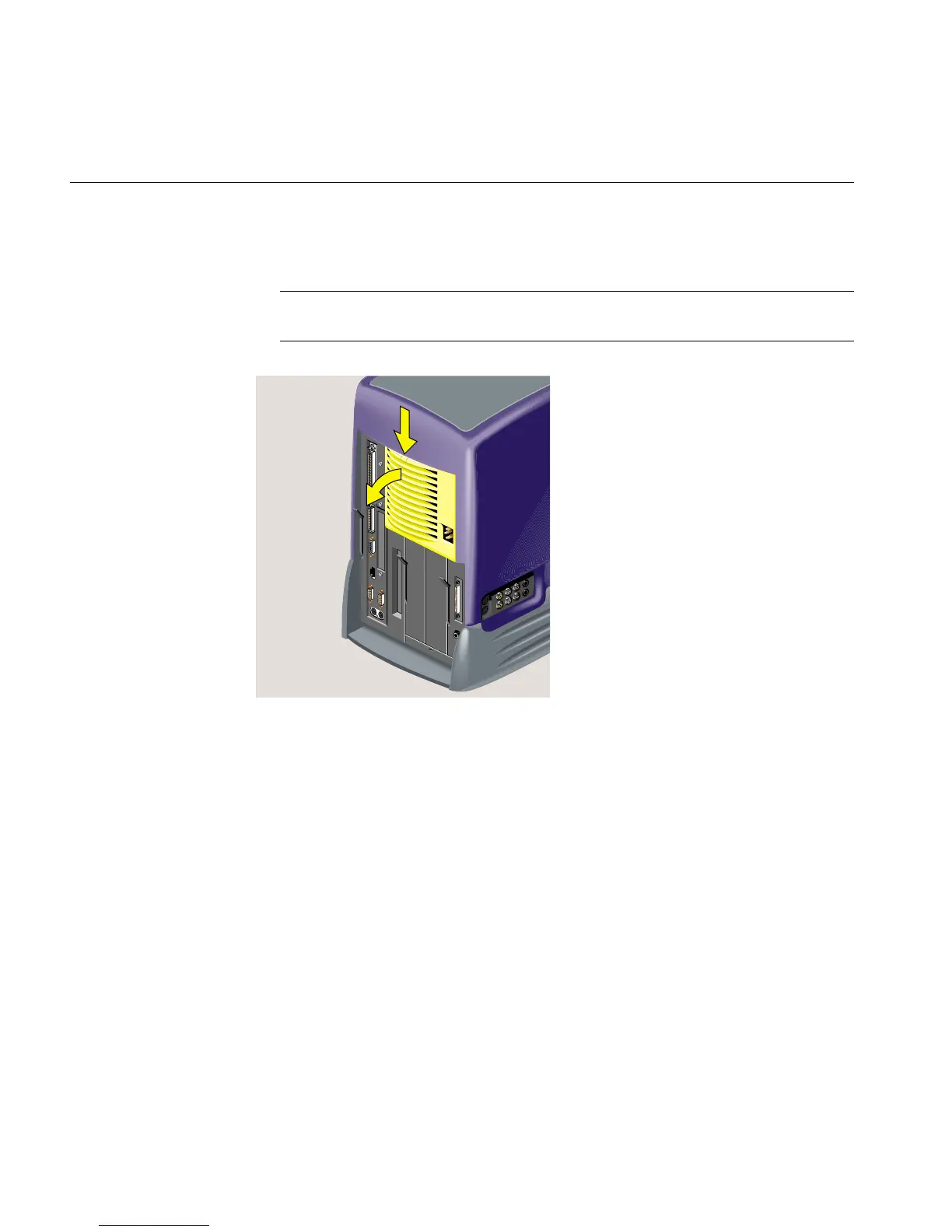
4. To release the bezel that covers the power supply, press the latch at the top of the
bezel. It swings out toward you (Figure 5-46). Remove it from the chassis.
Note: The illustrations show an RM7000class workstation. The process of replacing
the CD-ROM drive is the same on an R12000class workstation.
Figure 5-46 Removing the Power Supply Bezel



 To Next Page