64 007-4486-001
Chapter 2: Installing or Removing Memory and Option Boards
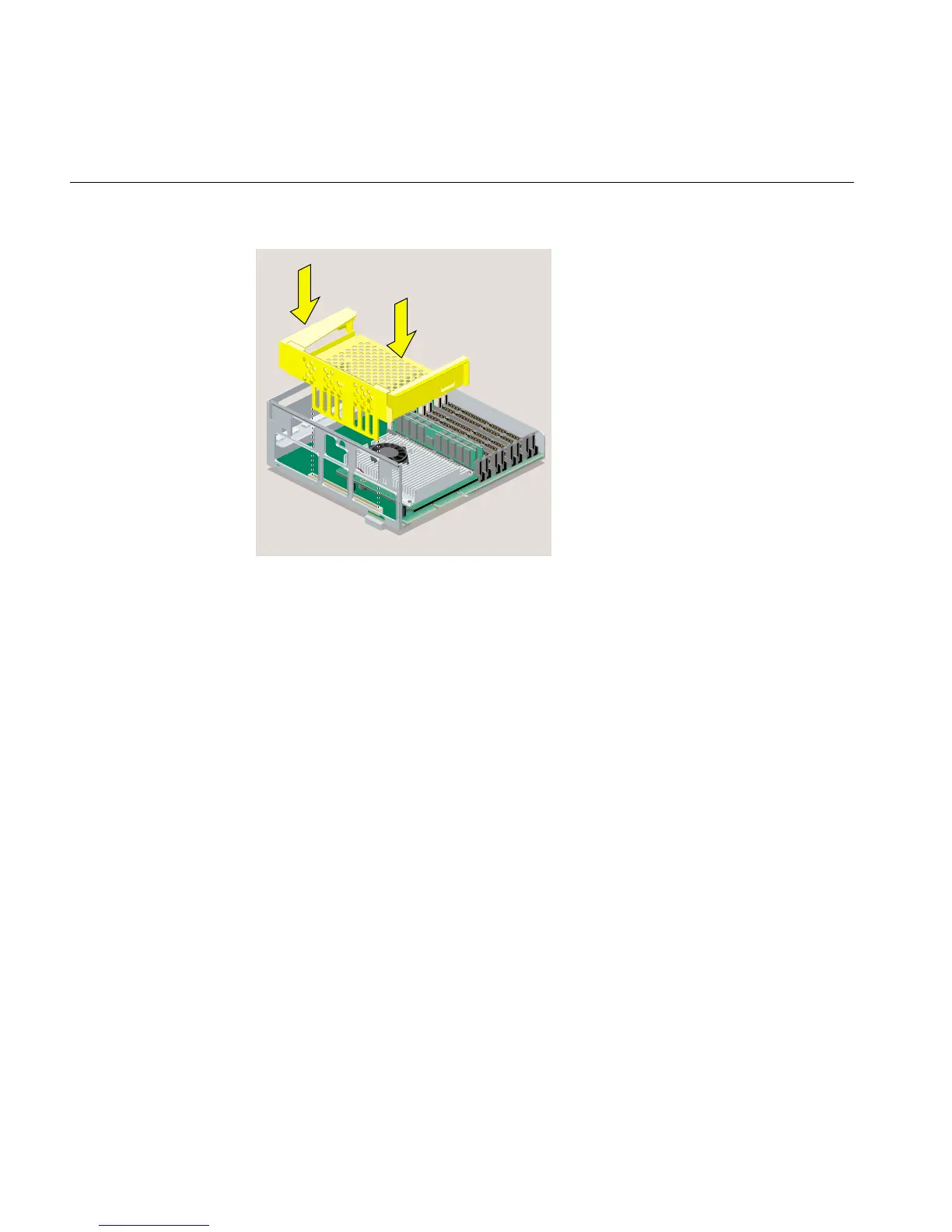
Figure 2-44 Replacing the R12000class PCI Tray in the System Module
2. Replace the faceplate by sliding it onto the system module, while at the same time
lifting the plastic at the “V” to snap it in place. When properly seated, the underside
of the faceplate is flush to the module and the screw holes are aligned (Figure 2-45).



 To Next Page