Installing an Option Board
007-4486-001 55
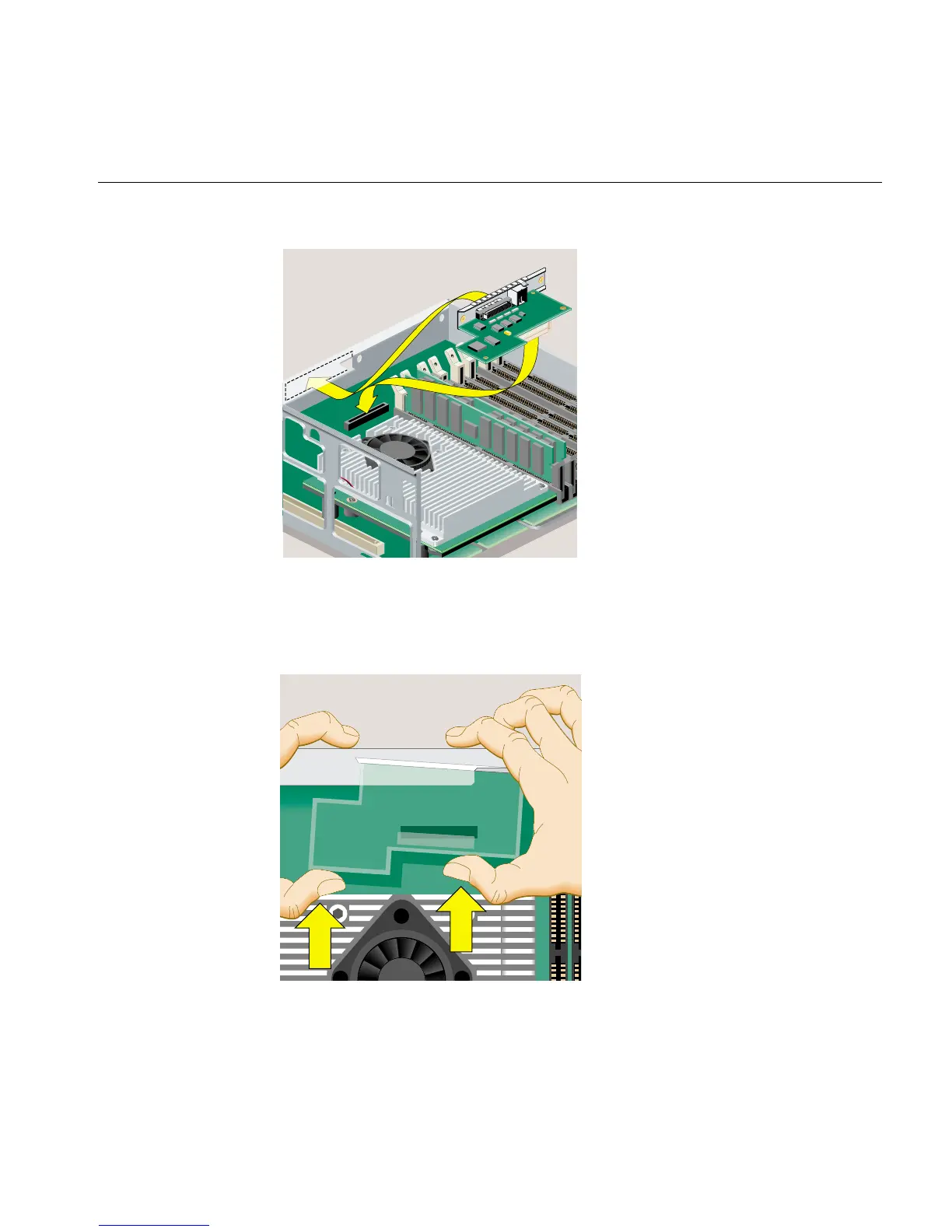
Figure 2-32 Positioning the Option Board
6. Push the left side of the board toward the rear and then to the right side, until the
connector underneath is aligned over the socket on the system board. Remember to
keep the board parallel to the system board as you align it (Figure 2-33).
Figure 2-33 Aligning the Option Board
1
2



 To Next Page