Replacing the R12000class CPU Module
007-4486-001 129
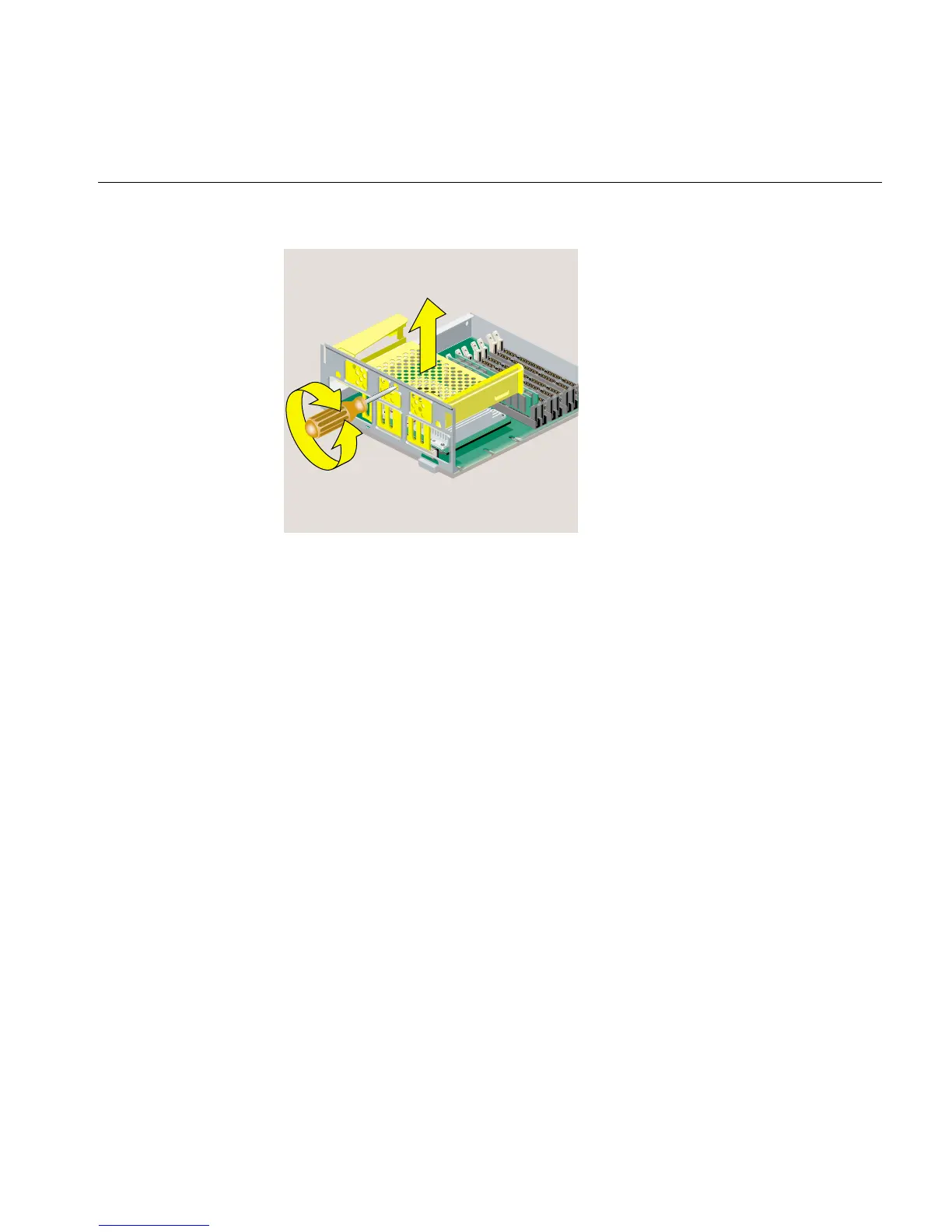
Figure 5-11 Releasing the PCI Tray from the System Module
5. Before touching any of the components, ground yourself to a metal part of the
chassis. Attach the wrist strap (Figure 5-12) as follows:
• Wrap the first two folds of the wrist strap around your wrist.
• Peel the liner from the copper foil at the opposite end.
• Attach the copper foil to the chassis.



 To Next Page