Installing an Option Board
007-4486-001 51
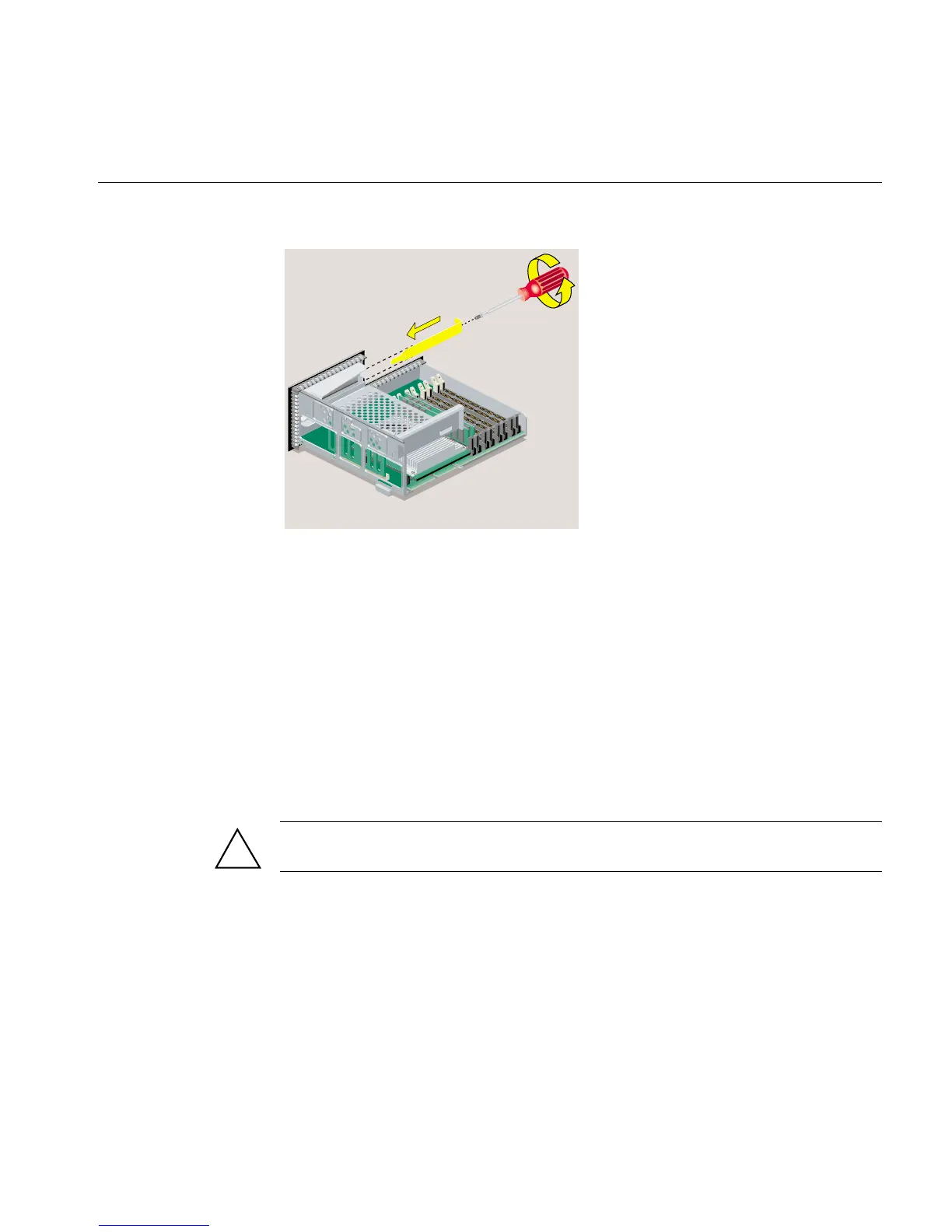
Figure 2-28 Replacing the Filler Panel and Screw
6. Follow the steps in “Reinstalling the System Module.”
Installing an Option Board
The figures in this section show an option board similar to the Dual Channel Display
Option Board (DCD), which enables two monitors to be plugged into an O2+
workstation (Figure 2-29).
The board you want to install may look different, but the installation steps are the same.
Review any documentation that comes with the option board.
Caution: Option boards are extremely sensitive to static electricity. Handle it carefully,
and wear the wrist strap while installing the board.
!



 To Next Page