Recovering from System Crash
007-4486-001 109
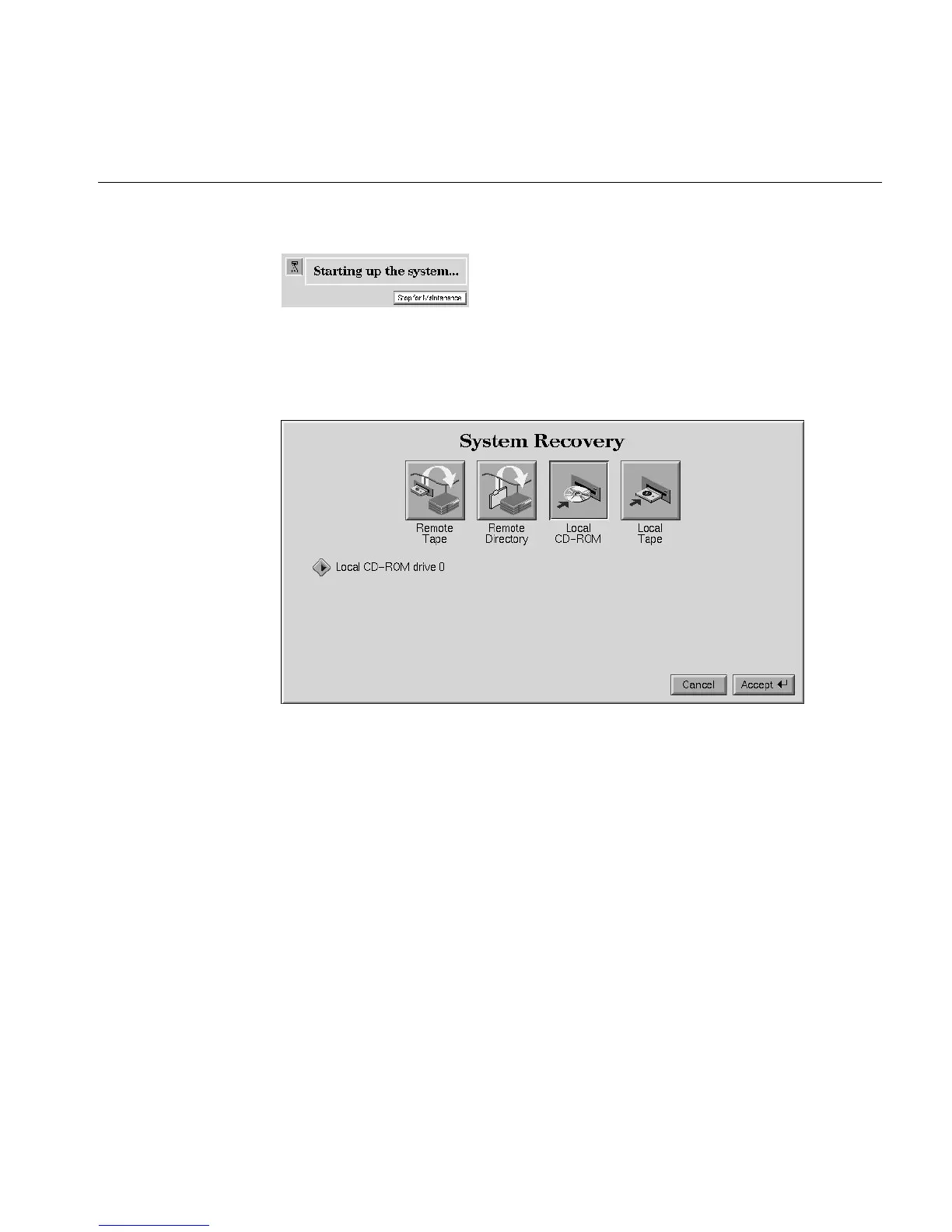
Figure 4-6 System Startup Message
3. From the System Maintenance menu, select Recover System, or type 4 on the
keyboard. The System Recovery menu appears (Figure 4-7).
Figure 4-7 System Recovery Menu
4. If you have the IRIX CD and a CD-ROM drive connected to your system, click Local
CD-ROM, and then click Accept. Insert the CD when prompted. The system takes
five minutes or more to copy the information.
If you do not have a CD-ROM drive, use a drive that is connected to another system
on the network. Click Remote Directory.
5. When a message appears asking you for the remote hostname, type the system’s
name, a colon (:), and the full pathname of the CD-ROM drive, followed by /dist.
For example, to access a CD-ROM drive on the “mars” system, you type:
mars:/CDROM/dist



 To Next Page