42 007-4486-001
Chapter 2: Installing or Removing Memory and Option Boards
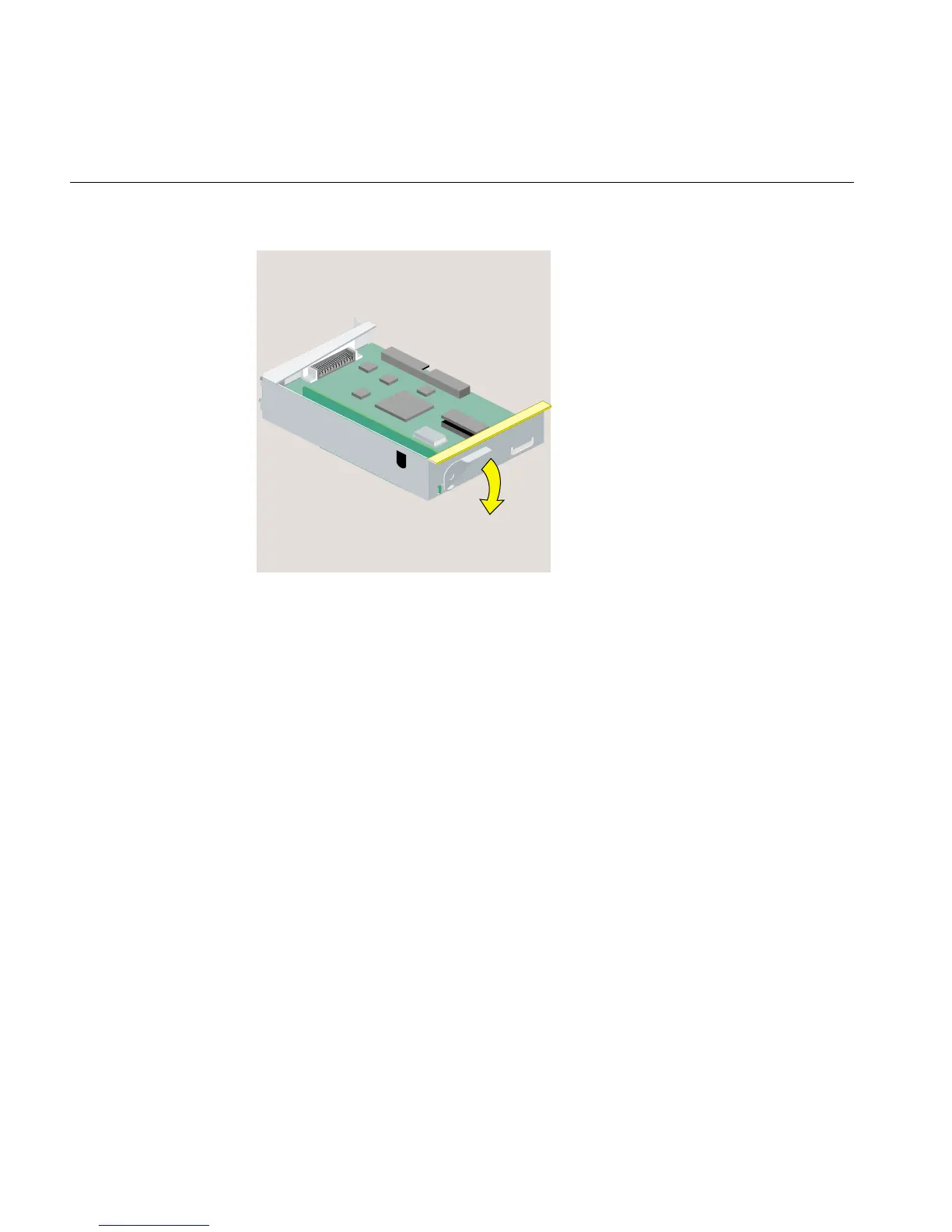
Figure 2-17 Returning the Lever to Its Starting Position
8. Replace the tray in the system module (Figure 2-18), as follows:
• Engage the hinge on the PCI tray in the slot on the system module.
• Lower the tray, as you push toward the back of the system module.
• Look from the side and align the gold-colored PCI edge connector with the slot
on the system board.



 To Next Page