172 007-4486-001
Chapter 5: Ordering, Removing, Upgrading, Installing Replacement Parts
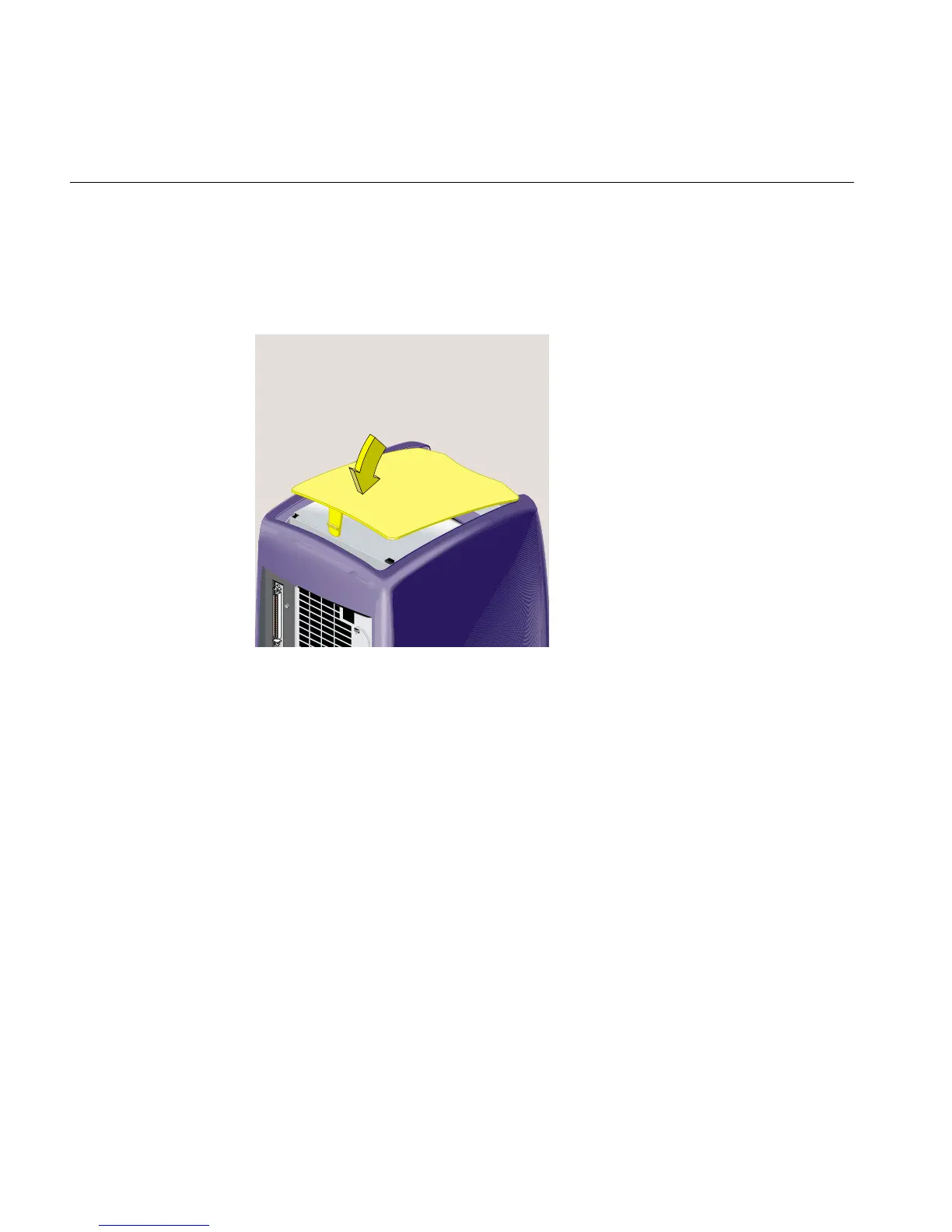
18. Replace the top cover (Figure 5-58) as follows:
• Hold it at an angle and slide the tabs at the front end under the outer cover.
• Lower it until the release tab snaps into place.
Figure 5-58 Replacing the Top Cover of the CD-ROM Drive



 To Next Page