Connecting External SCSI Devices
007-4486-001 91
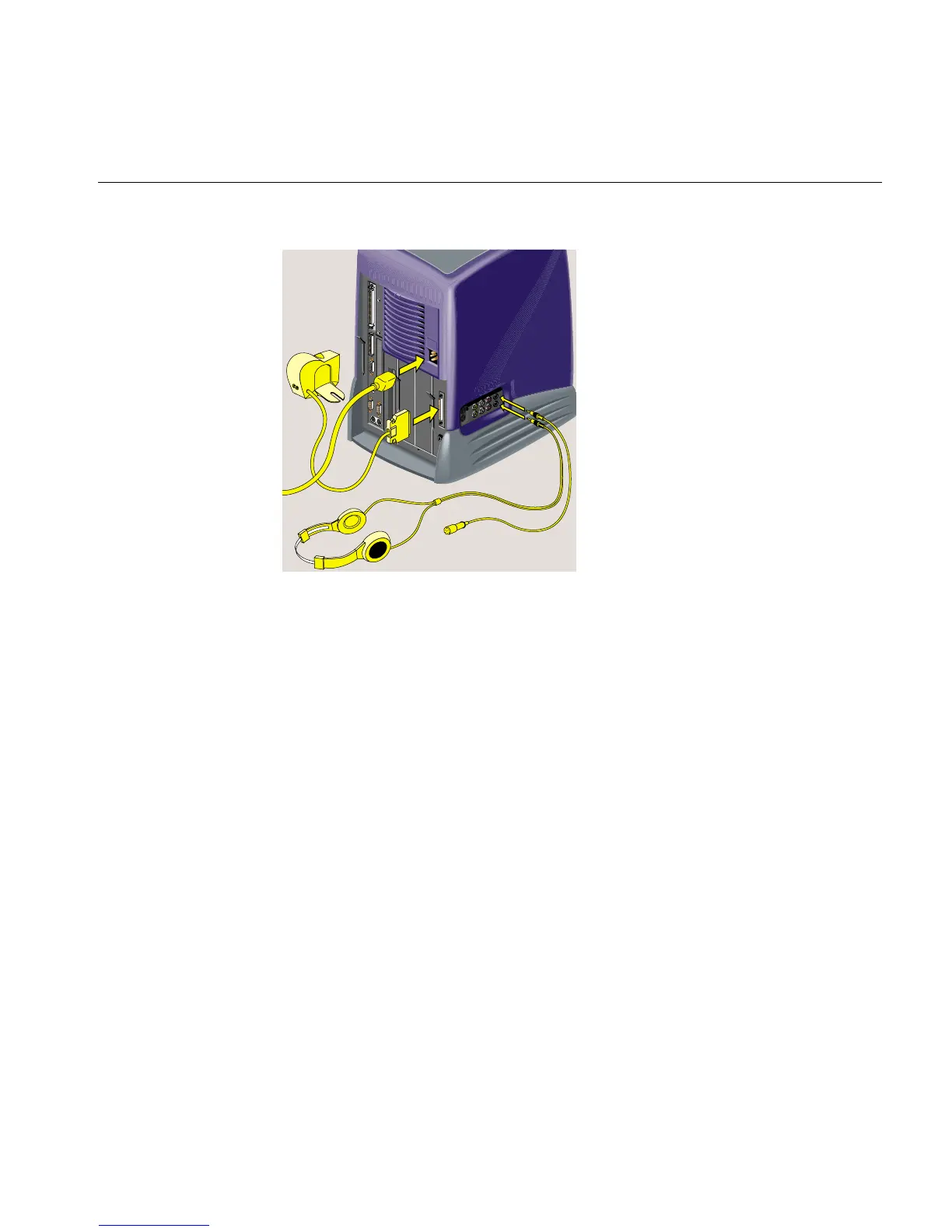
Figure 3-17 Reconnecting the Cables
Connecting External SCSI Devices
The following information is covered in this section:
• “Choosing a SCSI Address for the External Device”
• “Setting the SCSI Address on the External Device”
• “Connecting One External SCSI Device”
• “Connecting More Than One External SCSI Device”
You can connect one or more external SCSI devices in a daisy-chain to the O2+
single-ended, wide SCSI bus if the maximum combined cable length of all external SCSI
cables does not exceed three meters. You can connect either 16-bit wide (68-pin) or 8-bit
narrow (50-pin) SCSI devices, but you should follow the guidelines about where to place
the devices on the chain, in “Connecting More Than One External SCSI Device.”
Each device has a unique SCSI address and is connected to the other devices in a chain,
with the first device connected to the SCSI port on the rear of the workstation. The last
device on the daisy-chain must be terminated with an active SCSI terminator.



 To Next Page