Service and Support Information
007-4486-001 115
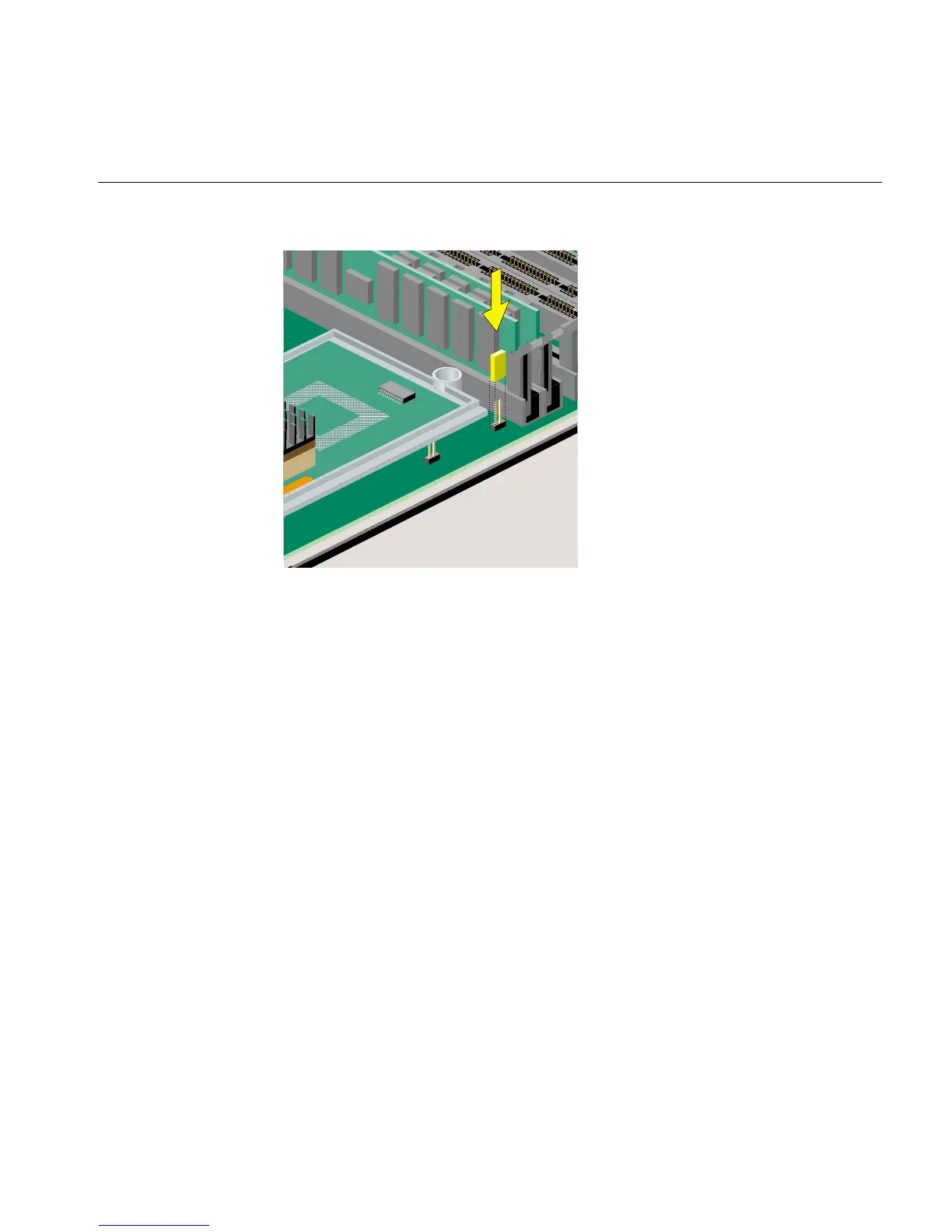
Figure 4-11 Installing the Jumper
7. Remove the wrist strap.
8. Reinstall the PCI tray in the system module, as follows:
• If you have an RM7000class workstation, see “Reinstalling the PCI Tray in an
RM7000class Workstation” in Chapter 2.
• If you have an R12000class workstation, see “Reinstalling the PCI Tray in an
R12000class Workstation” in Chapter 2.
9. Reinstall the system module by sliding it into the chassis. See “Replacing the System
Module” in Chapter 5.
Service and Support Information
SGI provides a comprehensive product support and maintenance program for its
products. If you are in North America and would like support for your SGI products,
contact the Technical Assistance Center at 1-800-800-4SGI or your authorized service
provider. If you are outside North America, contact the SGI subsidiary or authorized
distributor in your country.



 To Next Page