Replacing the CD-ROM Drive
007-4486-001 167
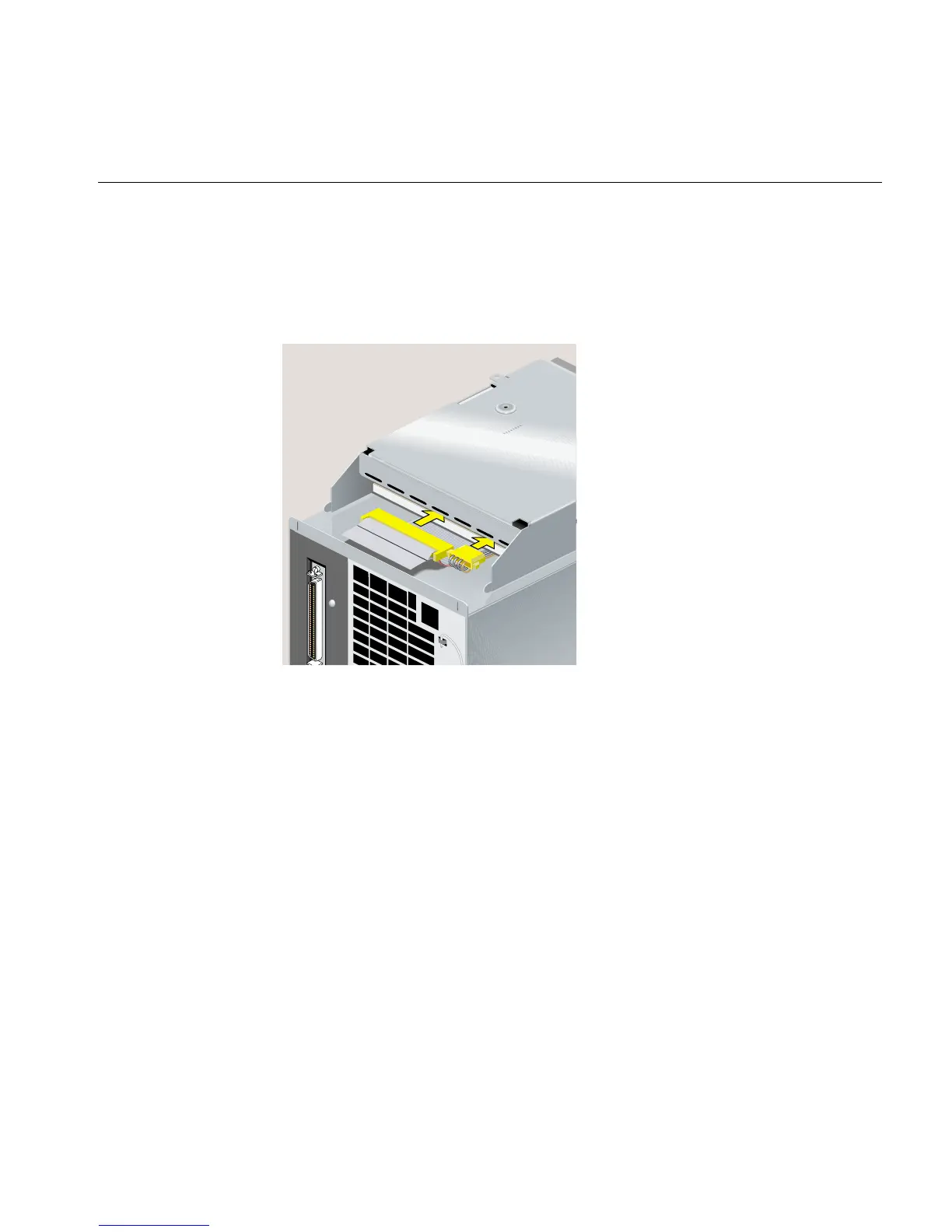
12. Reconnect the SCSI cable and the four-wire power cable to the replacement
CD-ROM drive (Figure 5-53). Press each connector in firmly.
13. Tuck the excess length of the SCSI cable with the terminator into the cavity between
the connector and the sheet metal.
Figure 5-53 Reconnecting the SCSI and Power Cables



 To Next Page