Turning the Workstation On or Off
007-4486-001 15
Turning the Workstation On or Off
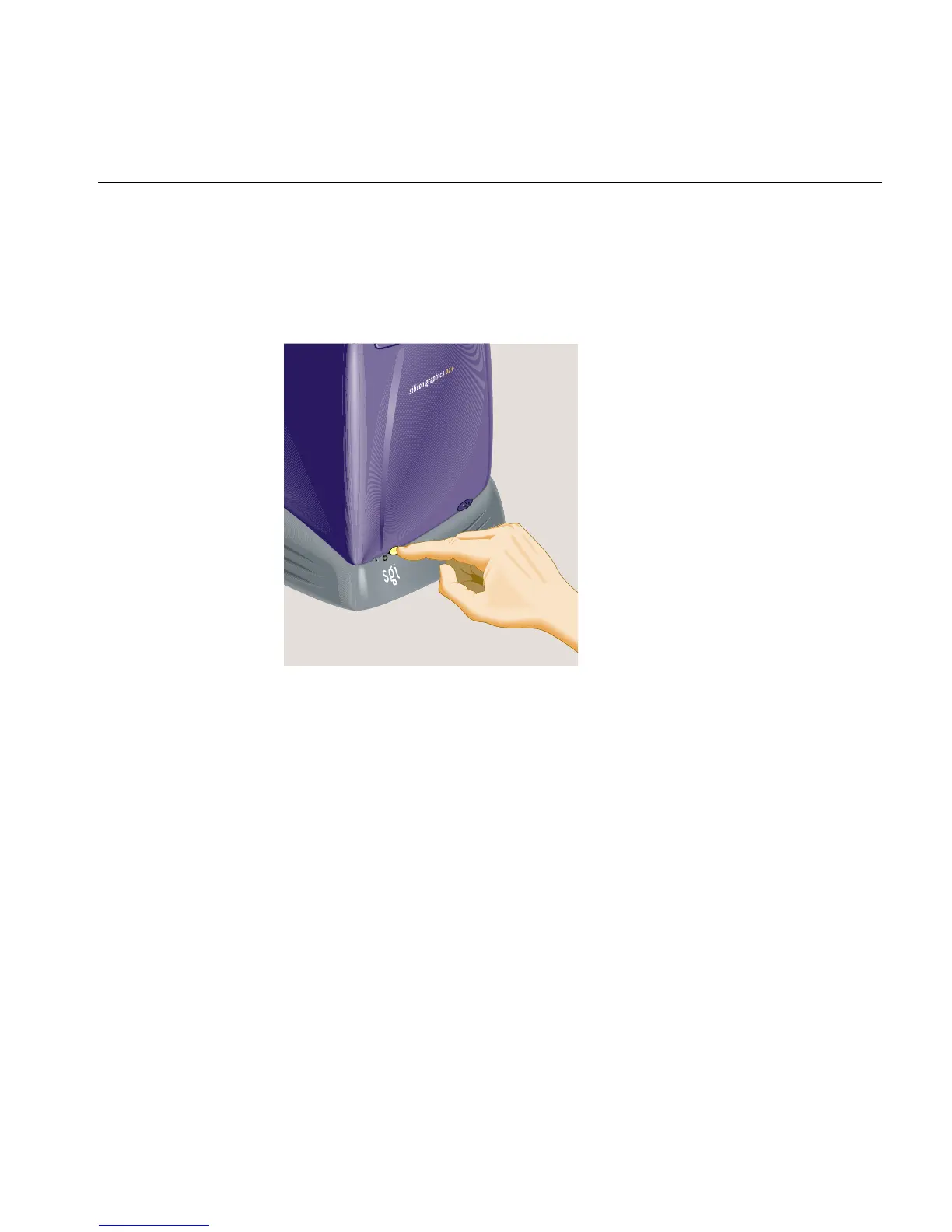
To turn your workstation on or off, press the power button on the front (Figure 1-13). You
do not need to shut down the system software before turning it off.
Figure 1-13 Turning the Workstation On or Off
You can also turn the workstation off from the Toolchest menu on the desktop, as follows:
1. From the Toolchest, select System > System Shutdown. If you have a root
password set, you are prompted to enter it.
2. As the system shuts down, you see a cautionary message warning you that all
running applications are stopped and remote users are logged off. Click OK to shut
down the system.



 To Next Page