Installing a Second Internal Hard Drive in an RM7000class Workstation
007-4486-001 77
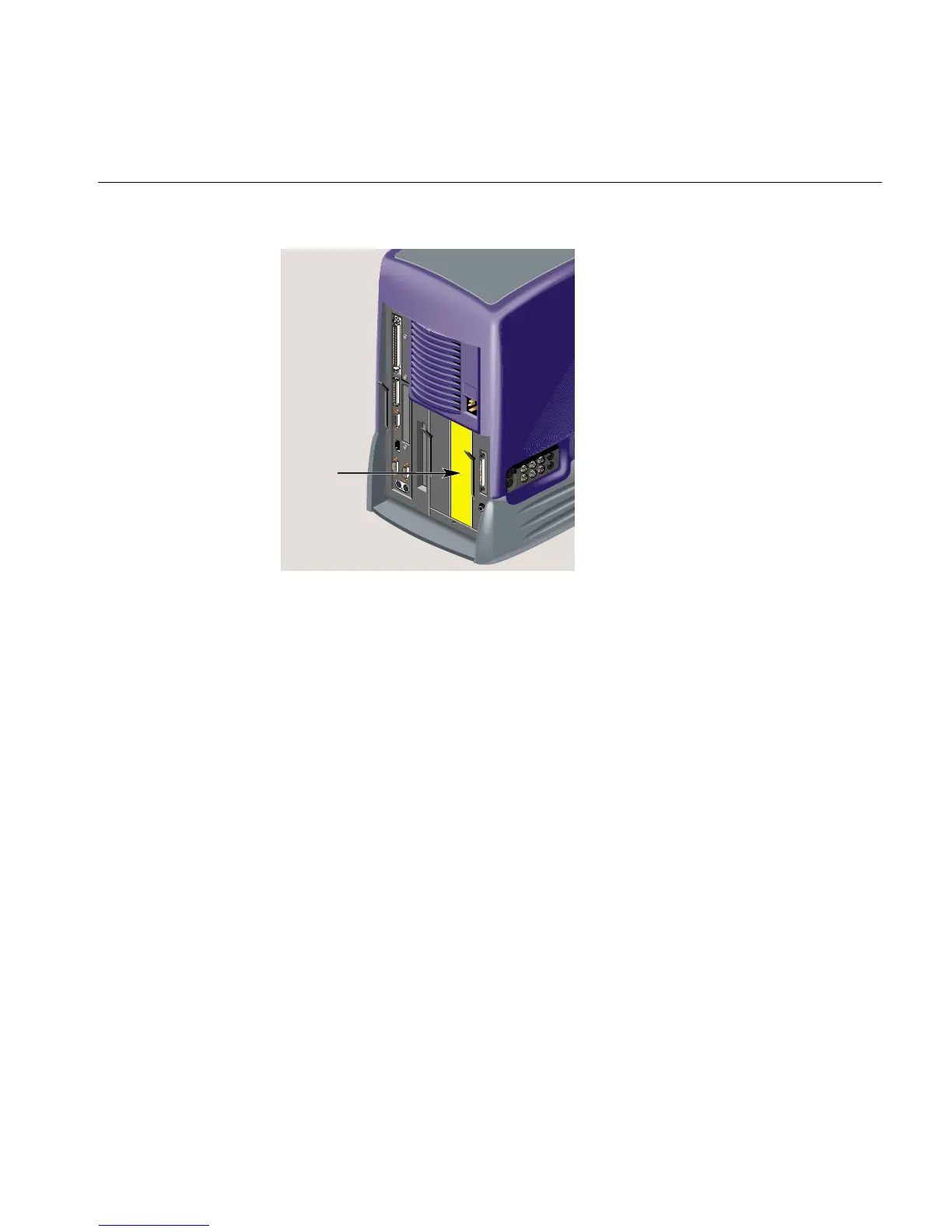
Figure 3-2 Locating the Optional Drive Bay
3. To remove the panel over the optional drive bay, you must first remove the
audio-visual module located on the far right as you face the rear of the workstation.
First, remove the power cable from the rear and any audio-visual cables that are
connected to the side panel (Figure 3-3).



 To Next Page