34 007-4486-001
Chapter 2: Installing or Removing Memory and Option Boards
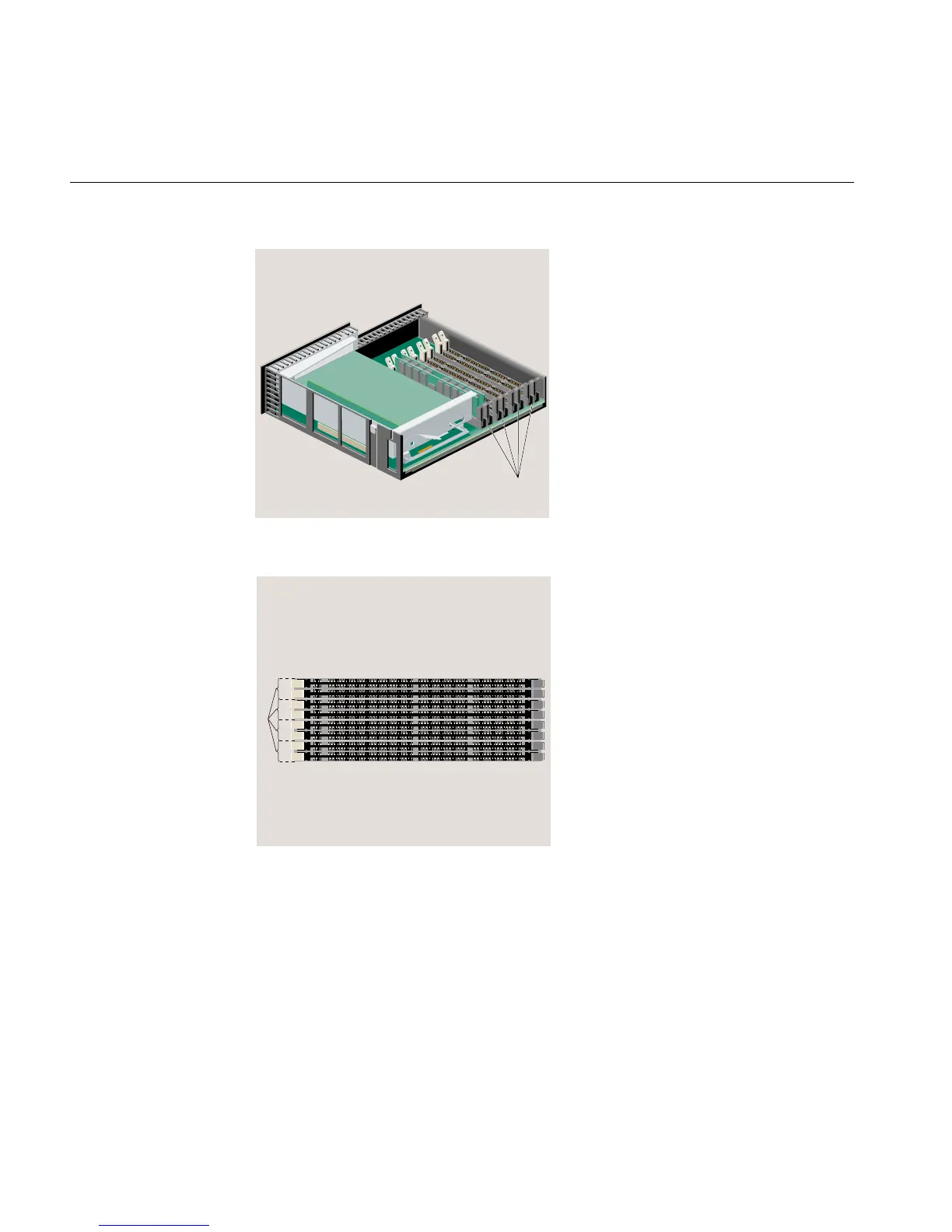
Figure 2-7 Locating the DIMM Banks
Figure 2-8 Top View of the DIMM Banks
4. Read the following guidelines and then proceed to the next step.
• Slots 1 and 2 must always be populated.
• High-density DIMMs must always be installed in the lowest slots, that is, slots 1
and 2.
DIMM banks
8
7
6
5
4
3
2
1
Banks



 To Next Page