Removing the System Module
007-4486-001 29
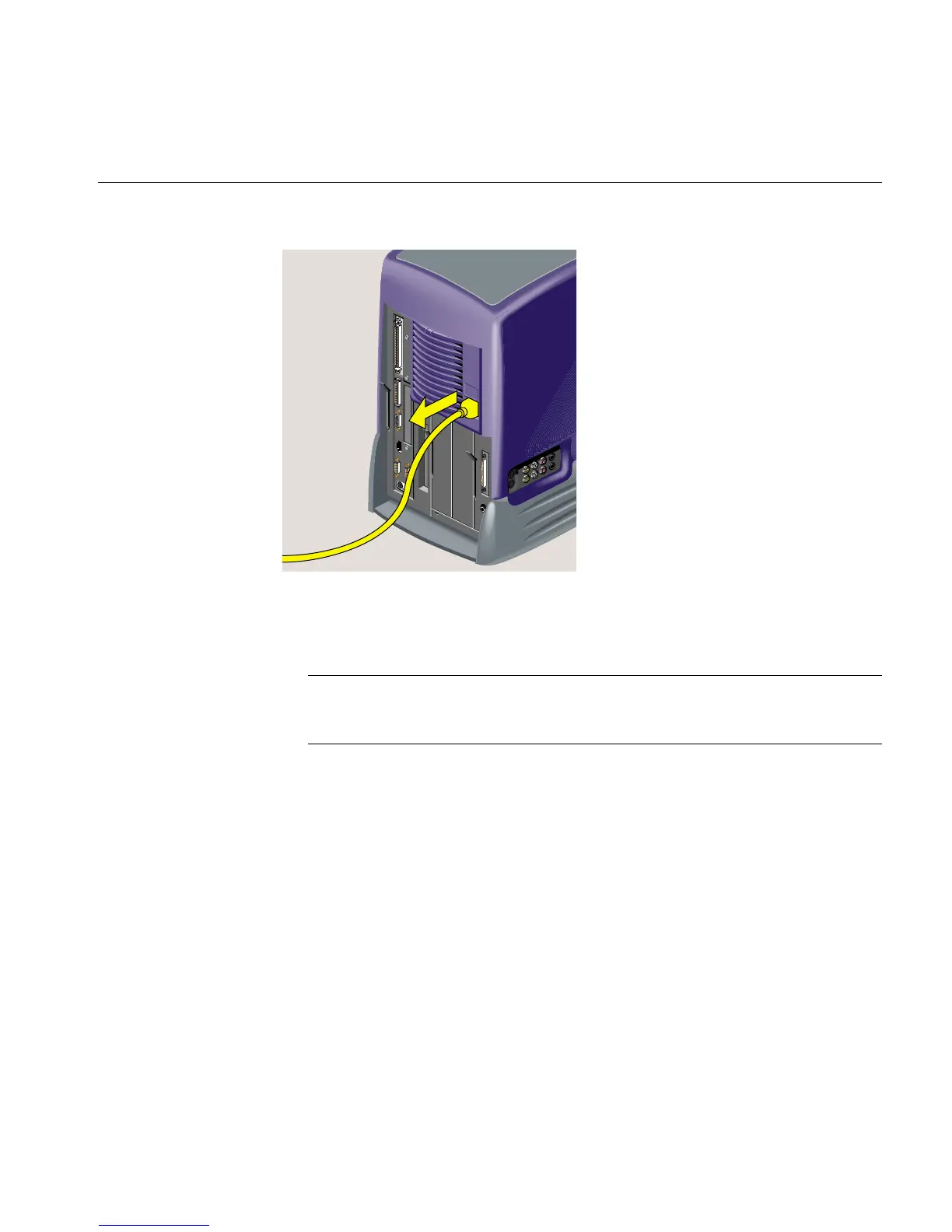
Figure 2-2 Disconnecting the Power Cables
3. The system module is on the left as you face the rear. Pull down the lever on the left
side of the module to release it (Figure 2-3).
Note: You do not need to remove the cables from the system module, if you are
careful when handling it. But you may find it easier to work if the cables are
removed.



 To Next Page