Setting Up the O2+ Workstation
007-4486-001 11
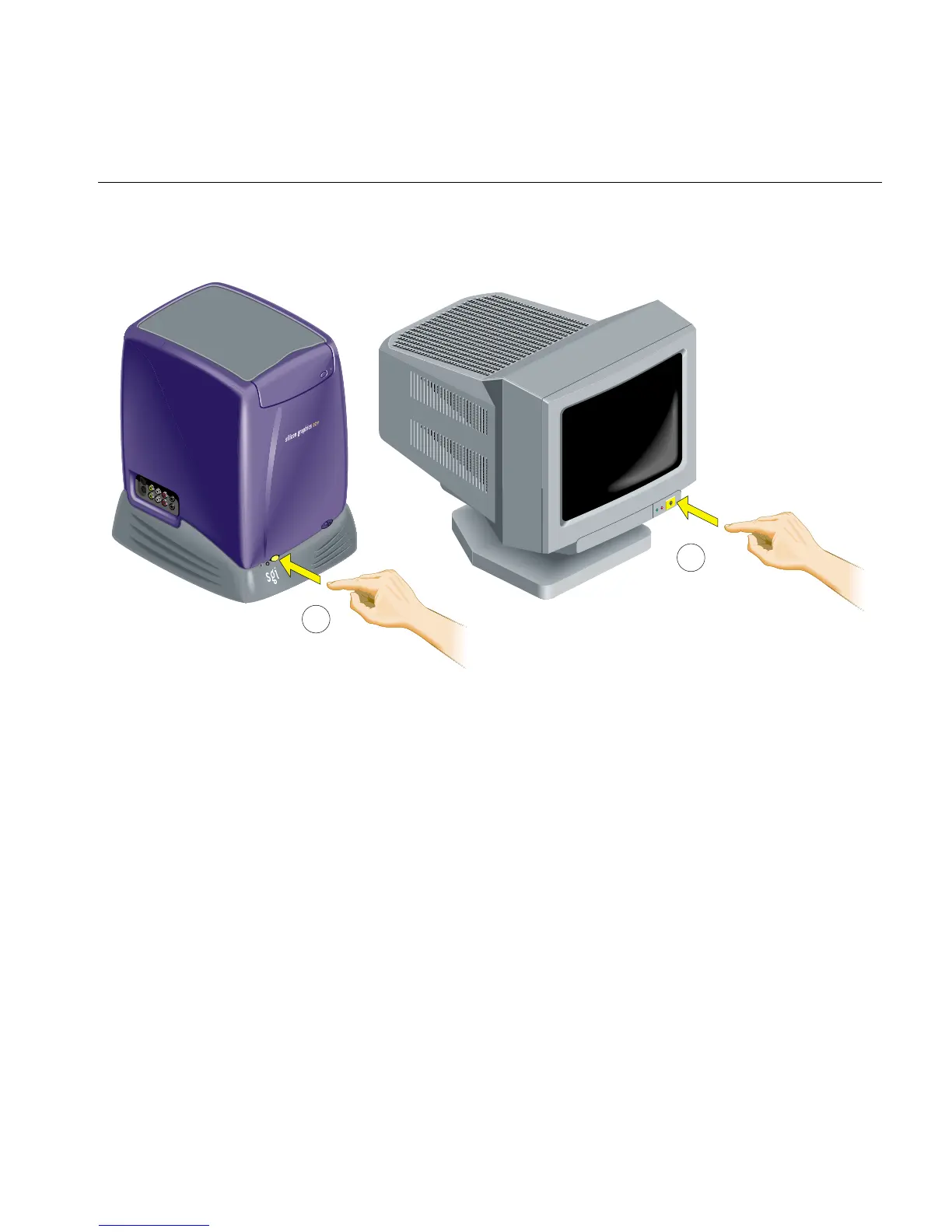
6. Turn on the monitor and the workstation (Figure 1-10).
Figure 1-10 Turning On the Monitor and the Workstation
Ergonomics Information
You can increase the comfort and safety of your work environment, and decrease your
chances of repetitive strain injuries, by following the human factors guidelines provided
in “Human Factors Guidelines for Setting Up Your O2+ Workstation” in Chapter 6.
1
2



 To Next Page