Installing a PCI Board in an RM7000class Workstation
007-4486-001 39
Figure 2-14 Removing the PCI Tray
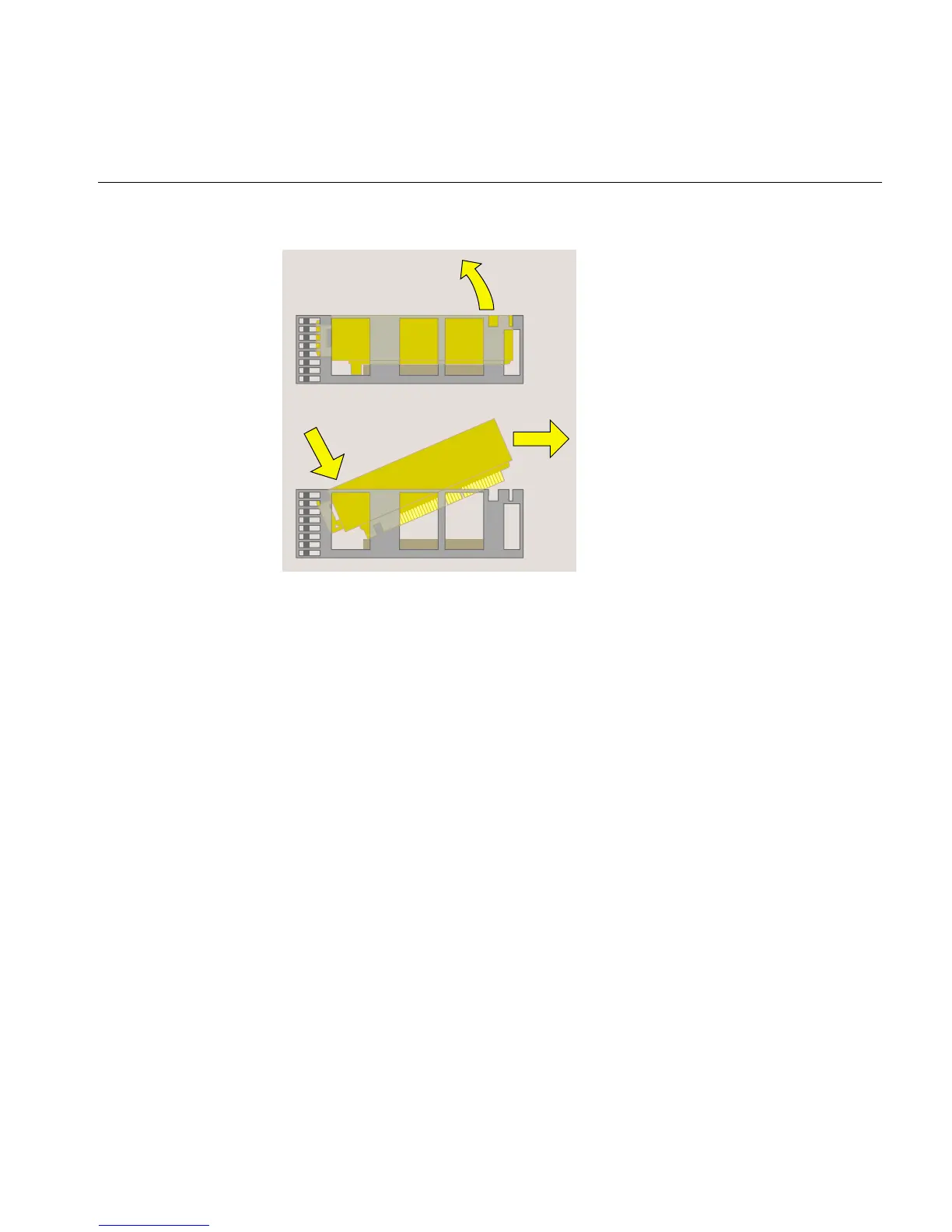
4. Hold the PCI tray with one hand and remove the screw and the filler panel from the
tray (Figure 2-15). Keep the panel and screw. If you later remove the PCI board and
do not replace it, you must reinstall the filler panel.



 To Next Page