88 007-4486-001
Chapter 3: Installing or Removing Peripherals
2. Remove the power cable from the rear.
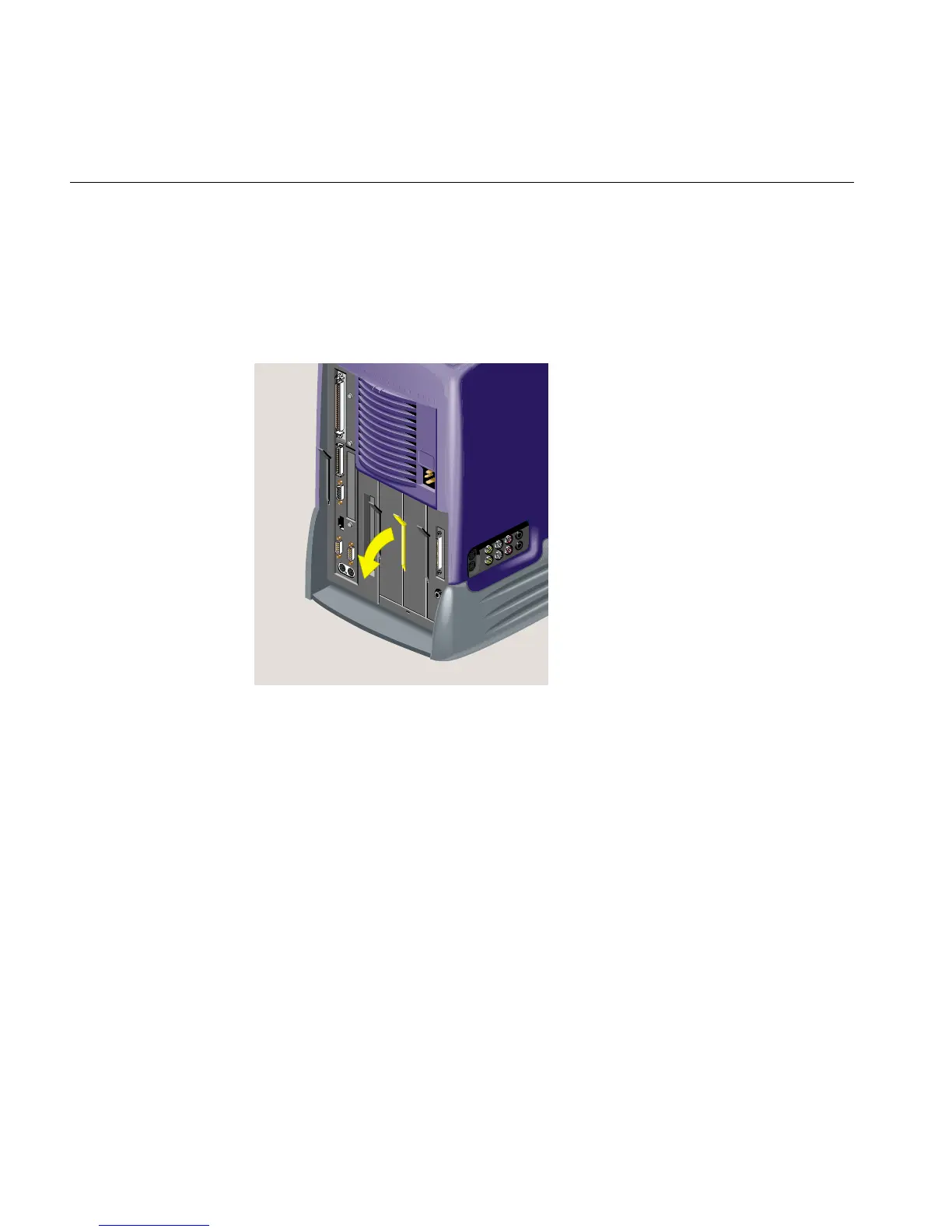
3. The second hard disk is in the optional drive bay—the one between the system
drive and the audio-visual module. (The R12000class O2+ does not have an optional
drive bay.) Pull down the lever on the left side of the optional drive module to
release it (Figure 3-14).
Figure 3-14 Releasing the Optional Drive Module
4. Pull the drive module out of the chassis (Figure 3-15).



 To Next Page