54 007-4486-001
Chapter 2: Installing or Removing Memory and Option Boards
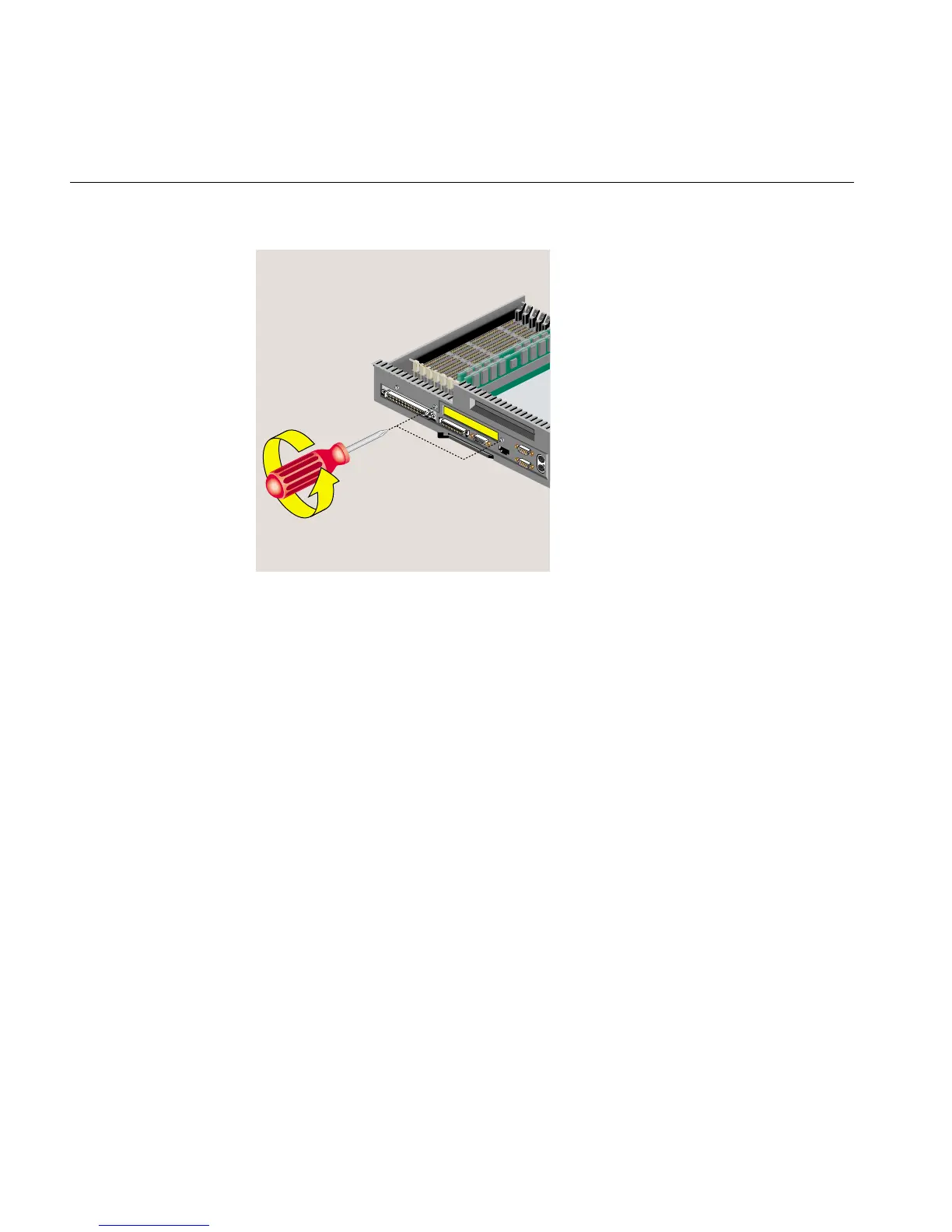
Figure 2-31 Removing the I/O Filler Panel
5. Maneuver the board until its I/O connector is opposite the open slot in the rear of
the chassis and it is parallel to the system board (Figure 2-32). You may find this
installation difficult, especially on an R12000class workstation, because there is
limited space in which to work. Figure 2-32, Figure 2-33, and Figure 2-34 show an
R12000class O2+ workstation.



 To Next Page