174 007-4486-001
Chapter 5: Ordering, Removing, Upgrading, Installing Replacement Parts
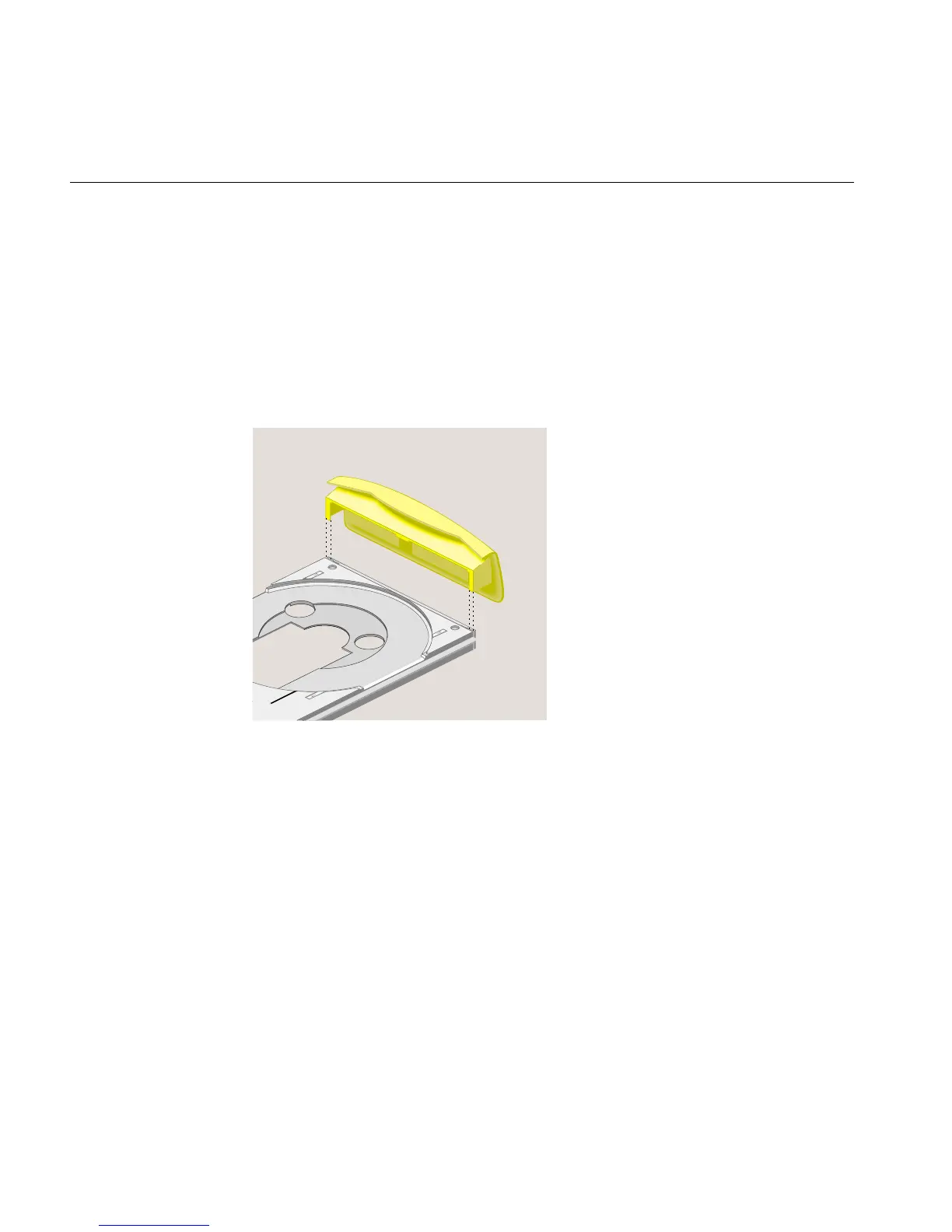
20. Replace the CD-ROM drive faceplate (Figure 5-60) as follows:
• Pull the tray out gently.
• Align the guides on the sides of the faceplate with the grooves on the sides of
the CD-ROM tray.
• Push the faceplate down while supporting the tray, until the release tabs lock.
Do not place too much downward pressure on the tray.
• Push the tray back into the drive.
Figure 5-60 Replacing the CD-ROM Faceplate



 To Next Page