28 007-4486-001
Chapter 2: Installing or Removing Memory and Option Boards
Note: The illustrations show an O2+ RM7000class workstation. The process of installing
and removing the system module is the same for the O2+ R12000class workstation.
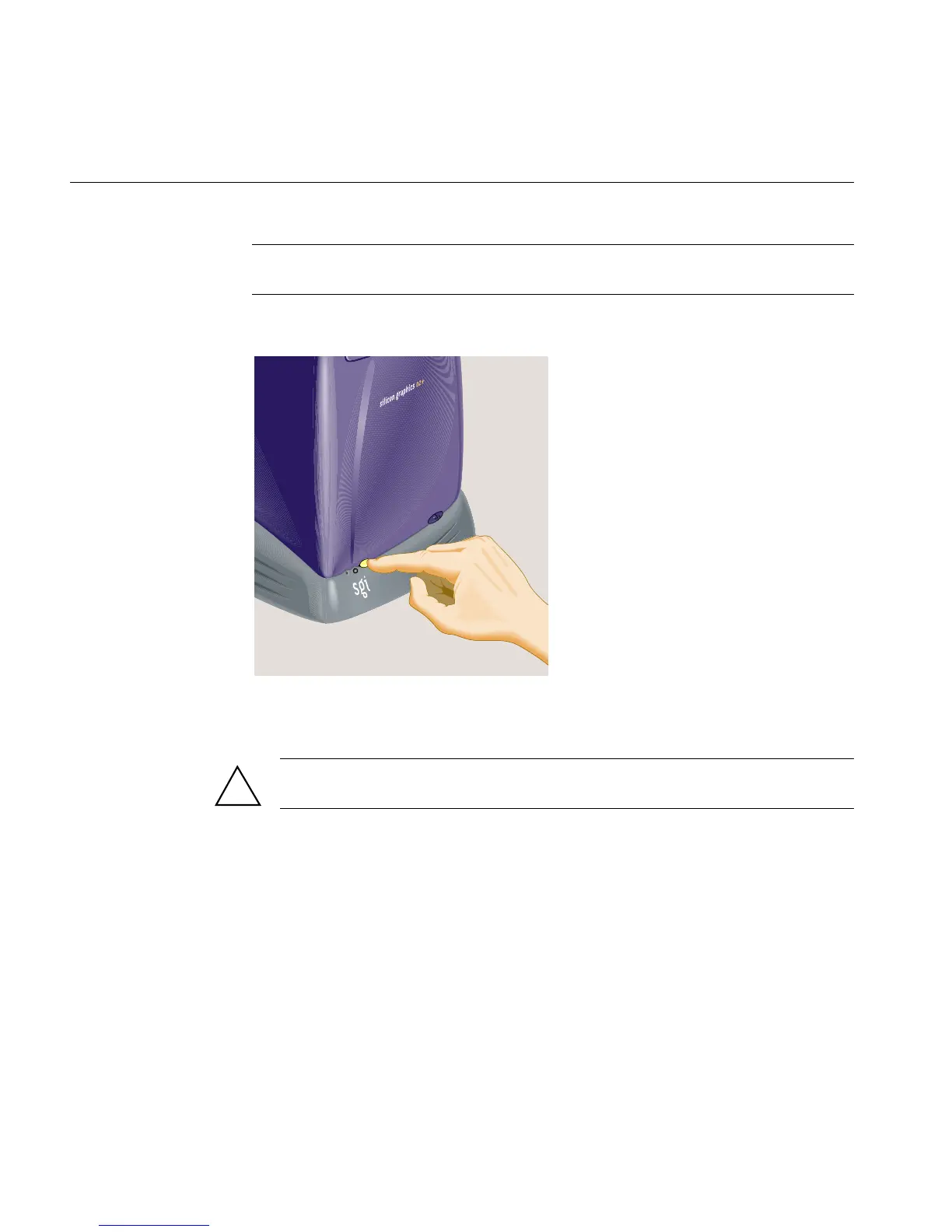
1. Turn off the workstation by pressing the power button on the front (Figure 2-1).
Figure 2-1 Turning Off the O2+ Workstation
2. Remove the power cable from the rear (Figure 2-2).
Caution: Always remove the power cable before removing the system module from
the workstation.
When you walk quickly across a room, or sit down or stand up, you build up a lot of
static electricity. To perform any of the hardware tasks on the system module, you
should stand in one place until you have completed the task.
!



 To Next Page