Replacing the RM7000class CPU Module
007-4486-001 125
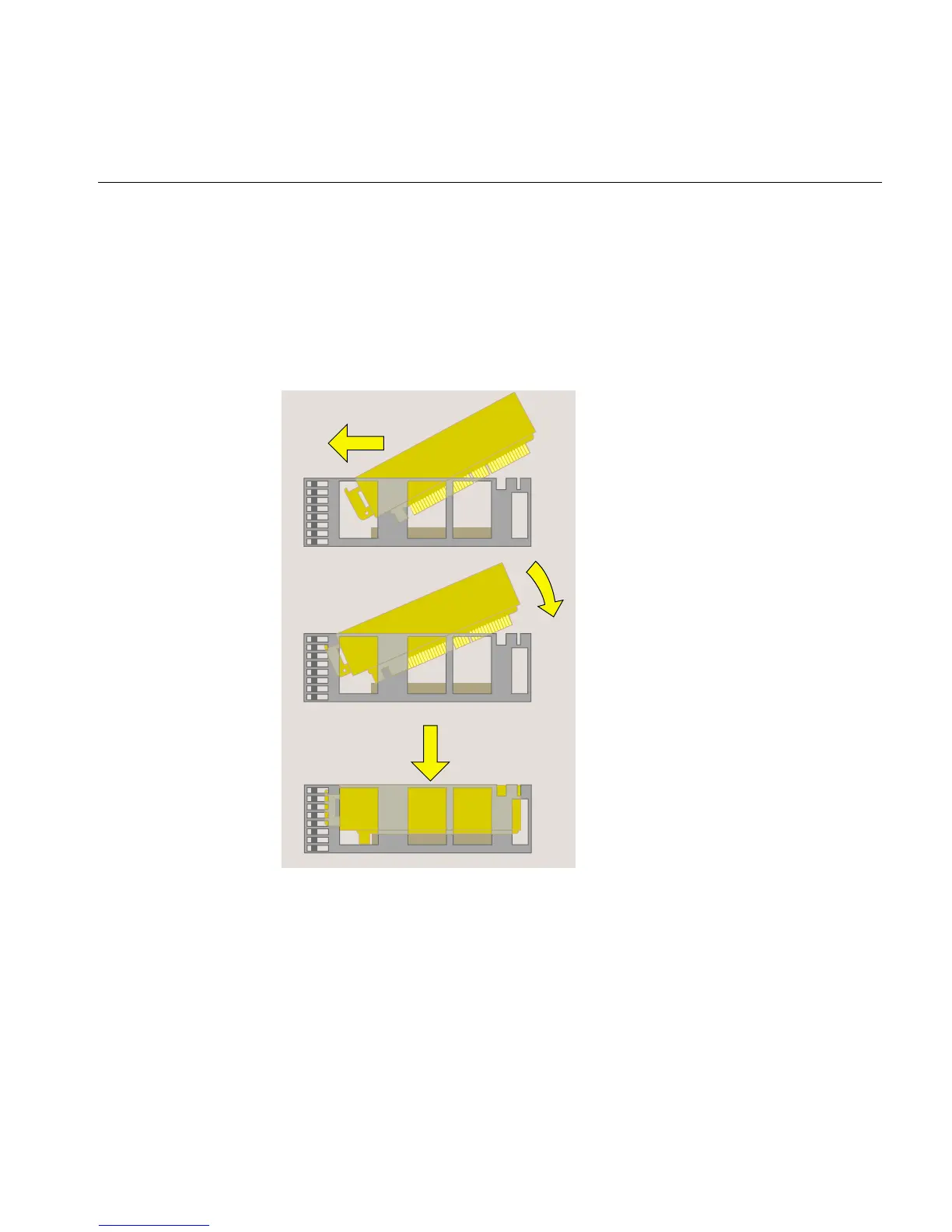
9. Reinstall the PCI tray in the system module (Figure 5-7).
• Push the lever on the side of the tray to return it to its starting position.
• Engage the hinge on the PCI tray in the slot.
• Lower the tray as you push toward the back of the system module.
• Align the gold-colored PCI edge connector with the slot on the system board.
Figure 5-7 Replacing the PCI Tray in the System Module



 To Next Page