60 007-4486-001
Chapter 2: Installing or Removing Memory and Option Boards
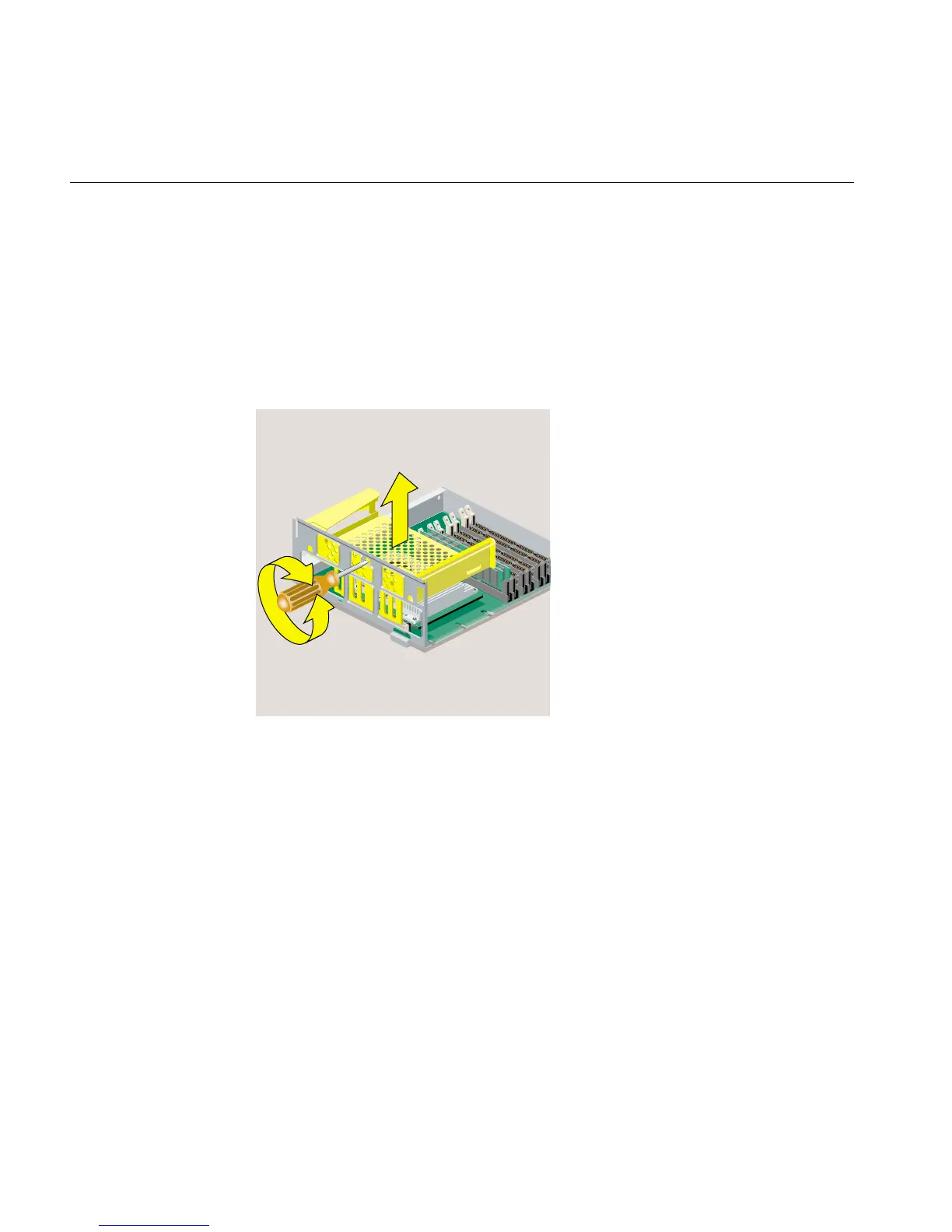
2. Remove the PCI tray from the system module, as follows. If a PCI board is installed in
the tray, do not remove it from the tray. However, you need to disconnect any cables
attached to the PCI board.
• Insert a screwdriver in the small opening shown (Figure 2-40). Use a twisting
motion first to release the PCI connector from the slot on the system module.
Then use an up and down motion to release the PCI tray.
• Pull the PCI tray straight up to remove it and set it aside.
Figure 2-40 Removing the PCI Tray from the R12000class System Module
3. Follow the steps in “Installing an Option Board.”
Reinstalling the PCI Tray in an RM7000class Workstation
To reinstall the PCI tray in an RM7000class workstation, follow these steps:



 To Next Page