Reinstalling the System Module
007-4486-001 69
Reinstalling the System Module
To reinstall the system module, follow these steps:
Note: The illustrations show an RM7000class workstation. The process of installing the
system module is the same for an R12000class workstation.
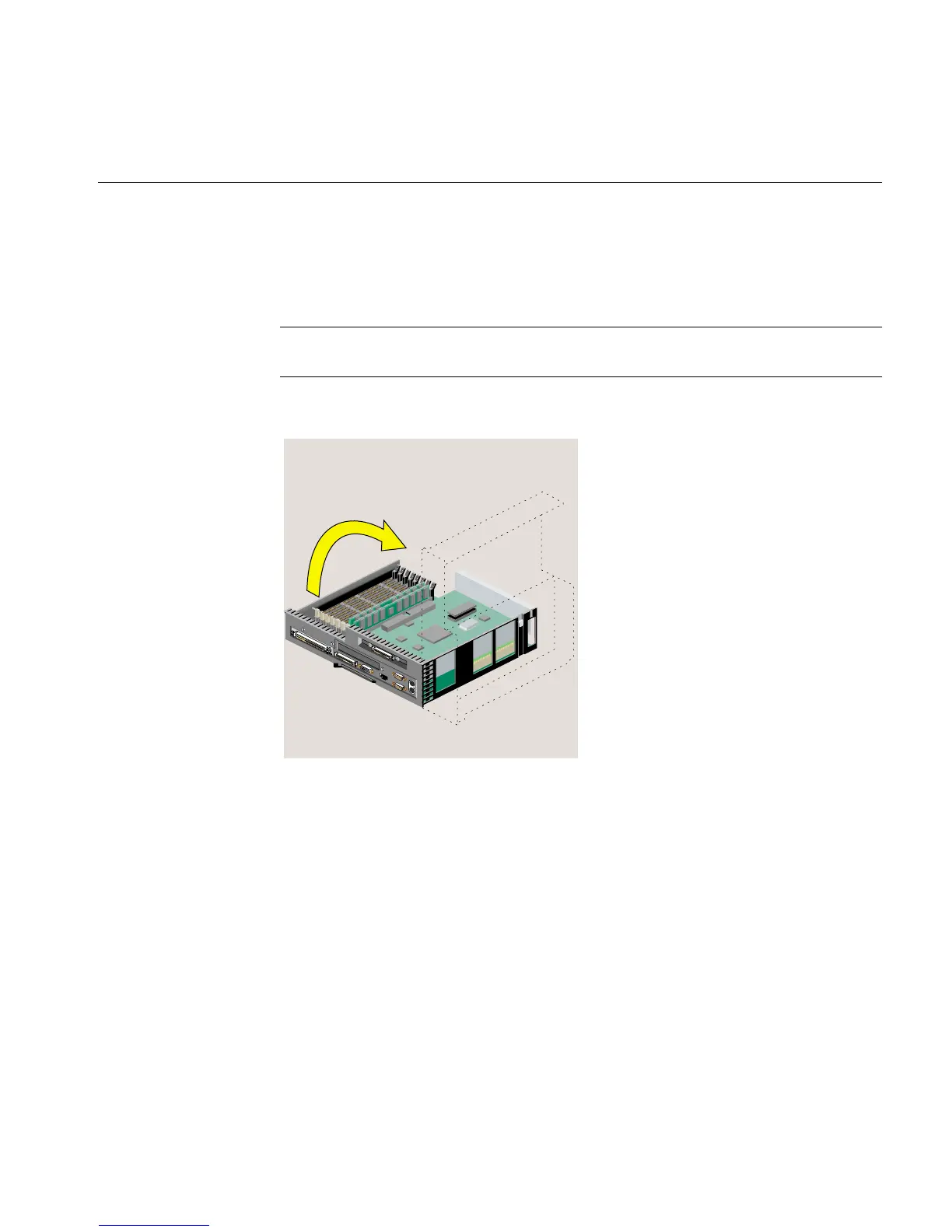
1. Return the system module to its upright position (Figure 2-50).
Figure 2-50 Returning the System Module to Its Upright Position
2. Slide the system module into the chassis until the lever engages (Figure 2-51).



 To Next Page