148 007-4486-001
Chapter 5: Ordering, Removing, Upgrading, Installing Replacement Parts
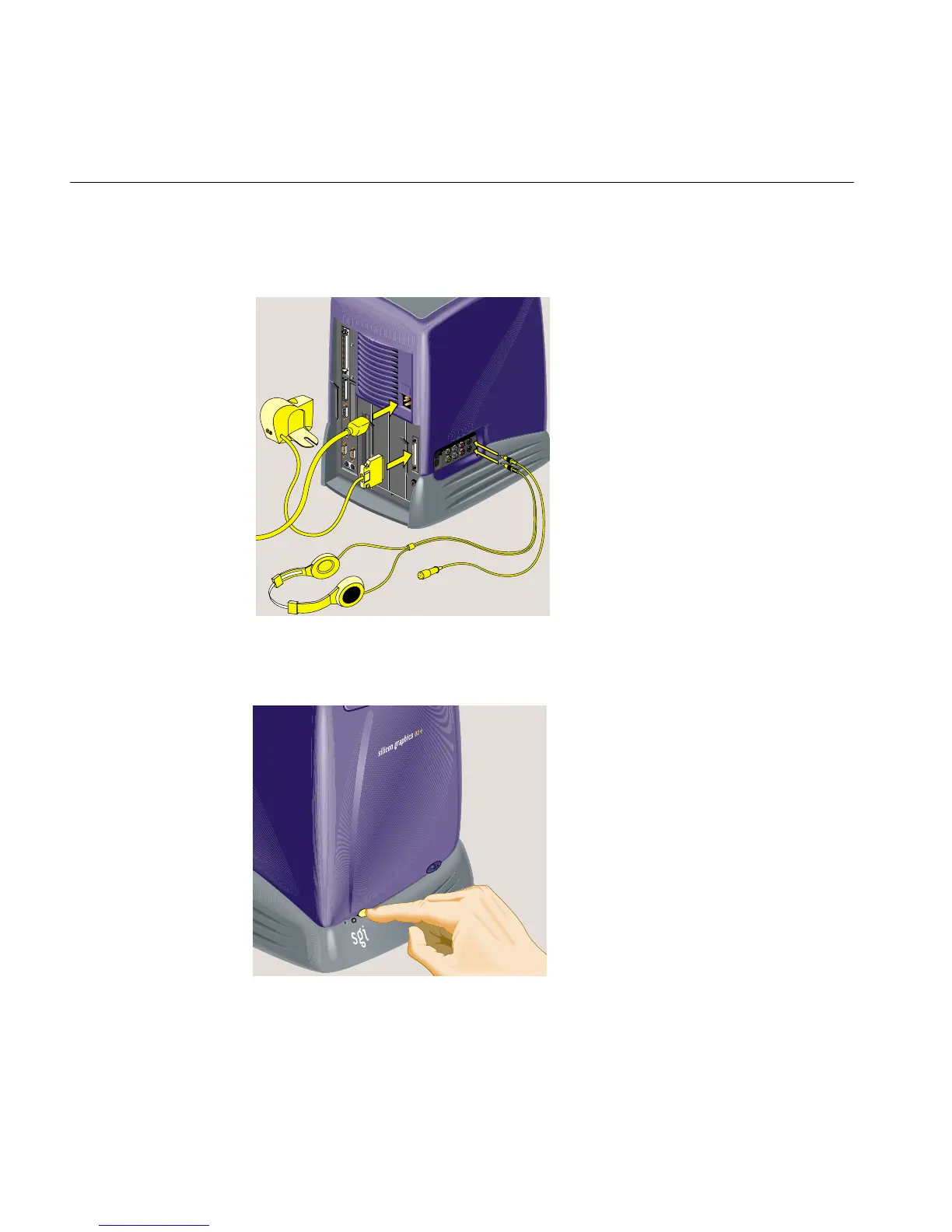
7. Reconnect the power cable and any audio-visual cables that you removed earlier
(Figure 5-33).
Figure 5-33 Reconnecting the Audio-visual Cables
8. Turn on the workstation (Figure 5-34).
Figure 5-34 Turning on the Workstation



 To Next Page