72 007-4486-001
Chapter 2: Installing or Removing Memory and Option Boards
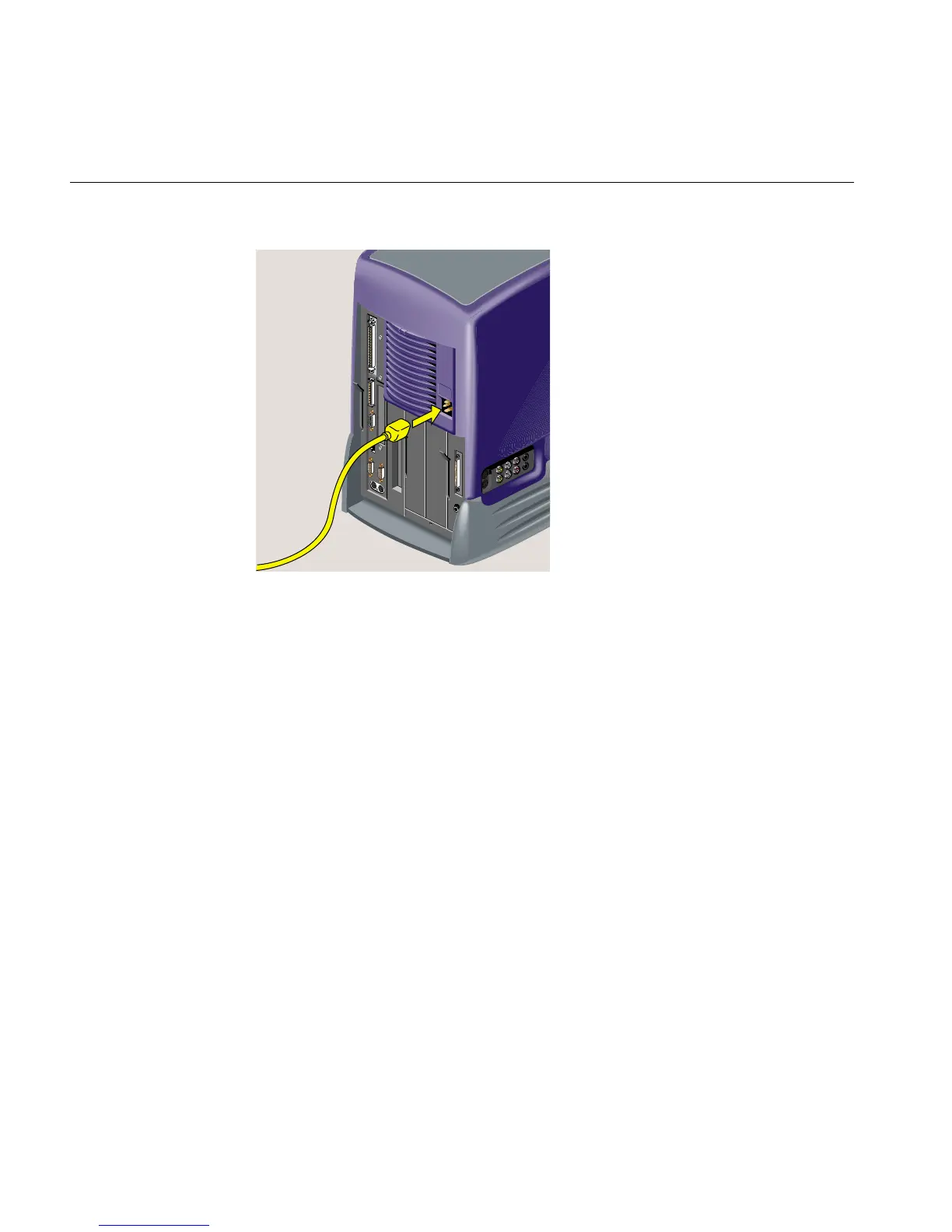
Figure 2-53 Connecting the Power Cable
7. Turn on the workstation by pressing the power button on the front (Figure 2-54).
8. If you have just installed memory modules or an option board, follow the steps in
“Verifying the Hardware Installation.”



 To Next Page