VM15 User Manual How to operate VM15
74
ii. PATIENT ID must be entered.
2. Local IP, Remote IP, and Port of SETUP -> SYSTEM SETUP -> NETWORK SET should
be properly set..
3. The VM15 must have at least one patient measurement data.
4. The entered Patient ID must be the ID registered on the hospital server.
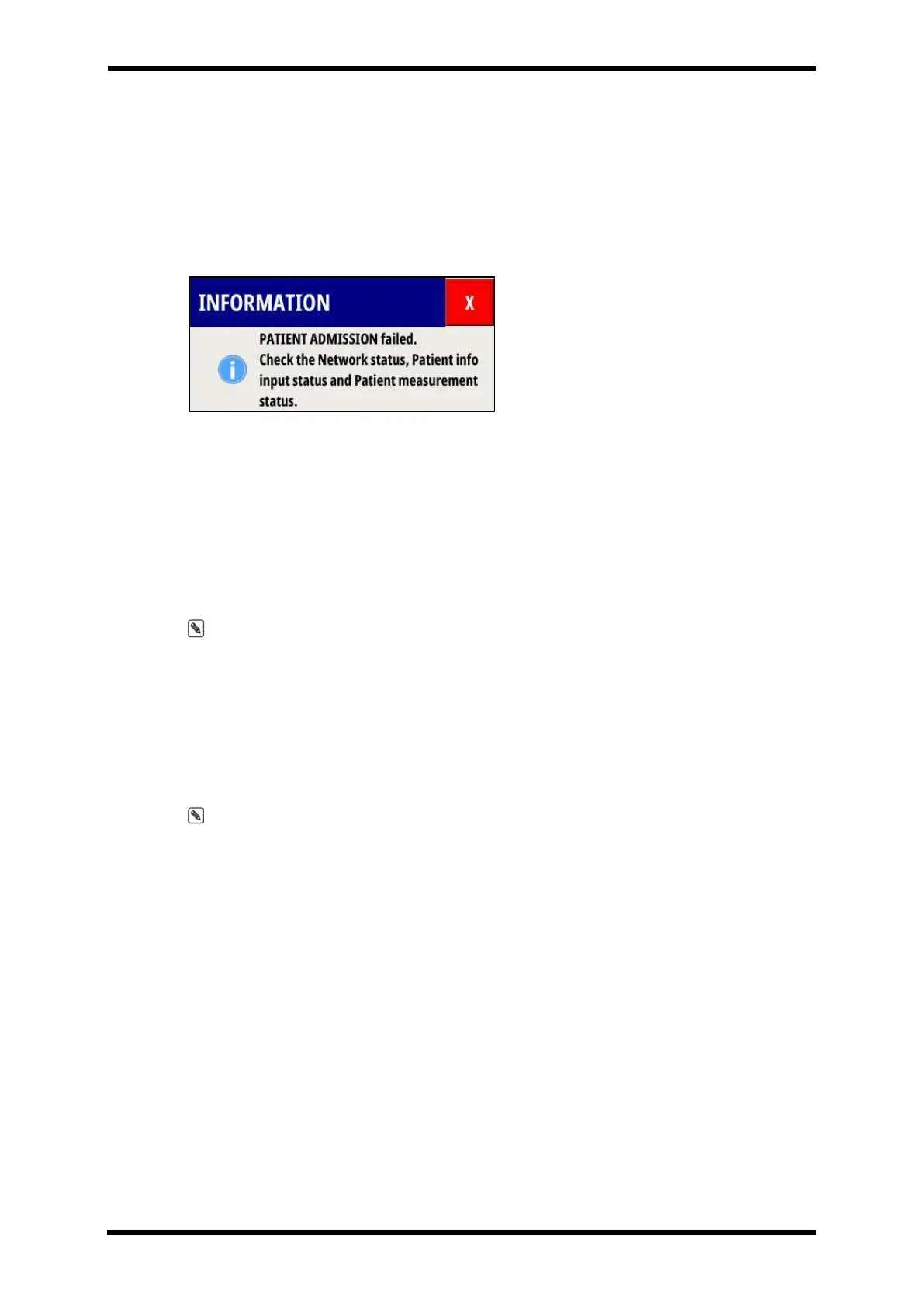
If ADMISSION does not proceed normally, a warning window in Figure 8-9 is displayed.
Figure 8-9 ADMISSION failure warning window
- DISCHARGE :
DISCHAGE ADMISSIONED PATIENTS.
Patients registered in VM15 will be deregistered. All patient data was being measured :
Trend, EVENT, Arrhythmia Review, NIBP Trend, and Patient info are deleted.
DISCHARGE can be selected only when ADMISSION is activated.
Note. If DISCHARGE does not proceed normally after selecting DISCHARGE, DISCHARGE
is automatically performed after a certain period of time.
BED NUMBER
Enter the patient's location.
(Room or bed number).
Note. Up to 10 digits can be entered including letters and numbers
COLOR SET
The user can change the color of each parameter.
If you select Default color menu, all parameter colors can be initialized.



 To Next Page