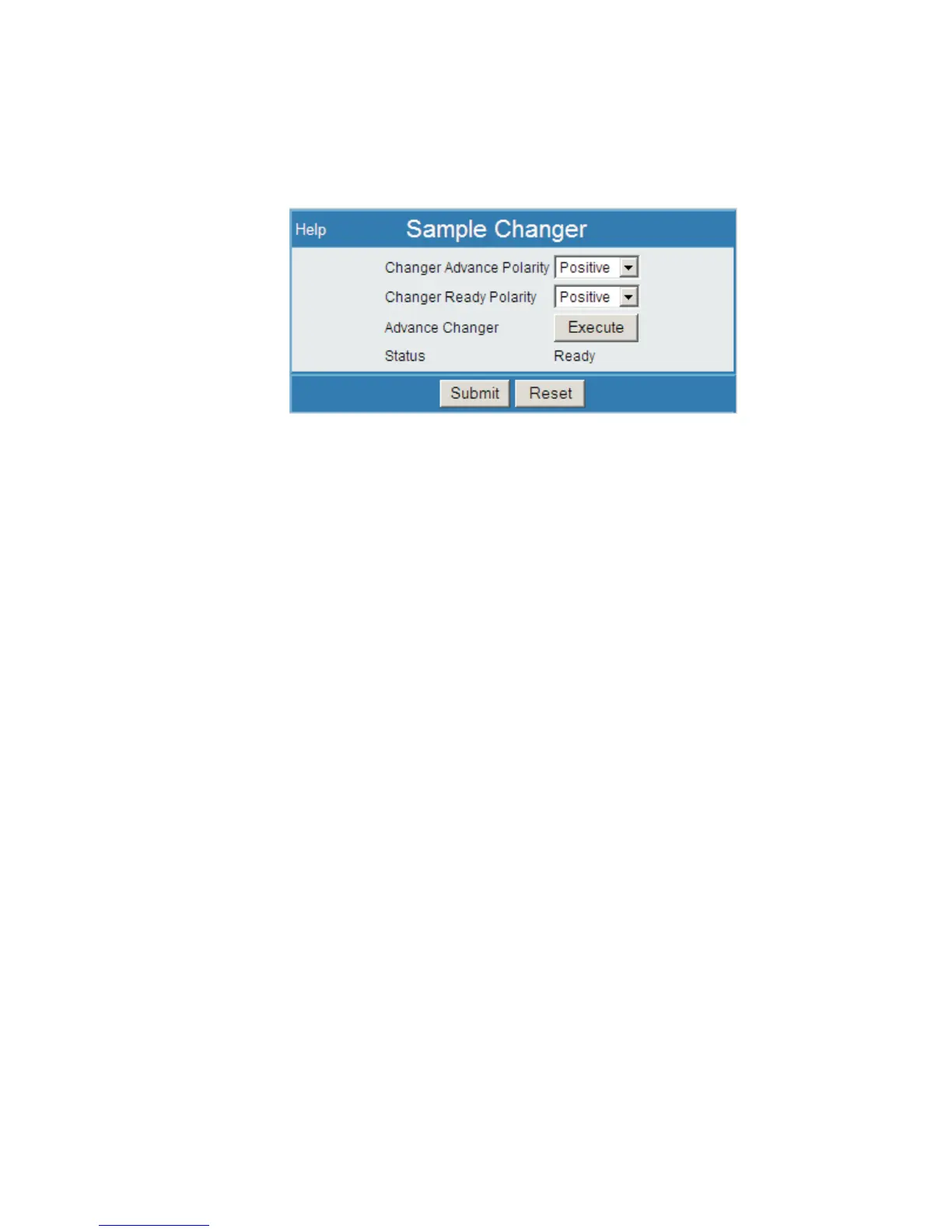
Sample Changer
The polarity of the Sample Changer's Advance and Ready signals are defined here.
The Sample Changer Advance control is provided on this page.
Make your entries and press the Submit button to apply the settings.
Changer Advance Polarity
Sets the polarity of the Changer Advance signal, positive or negative, to match the
polarity expected by your Sample Changer.
Changer Ready Polarity
Sets the polarity of the Changer Ready signal, positive or negative, to match the
polarity expected by your Sample Changer.
Advance Changer
Press the Execute button to issue the changer advance command, when the Status
display shows Ready. The Execute button will be 'grayed out' if the expected signal
is not yet received.
Status
The status field will show a Ready prompt when it is in the Ready state. Status will
show Busy if the expected signal is not yet returned, or if the settings are incorrect or
a cable has become disconnected.
Chapter 4 - Web-based Operation HVPS
94 Lynx™ Digital Signal Analyzer
Figure 70 - Sample Changer Setup Page



 To Next Page