Sample Energy Calibration
Energy Calibration using the browser-based interface is provided as an example be
-
low. This will help demonstrate how you will use the Lynx.
This is an overview only; specific Lynx setup options and details are described in this
manual, especially in Chapter 4 which discusses the Menu and options in detail.
User Controls for Calibrations are described starting on Page 128, and demonstrated in
this section.
Lynx Energy Calibration Setup Steps
These steps assume the Lynx is already set up, including your detector and sample.
Gather Data from your Acquisition
1.)
Ensure the HVPS for your detector has been activated, e.g., in the On state
(review this HVPS setting on page 92). Be certain that the Gain Attenuator
is set to the Off position (discussed in Step 3, below; review this Gain
setting on page 87 of this manual). Verify the settings for your Detector's
preamp type.
2.)
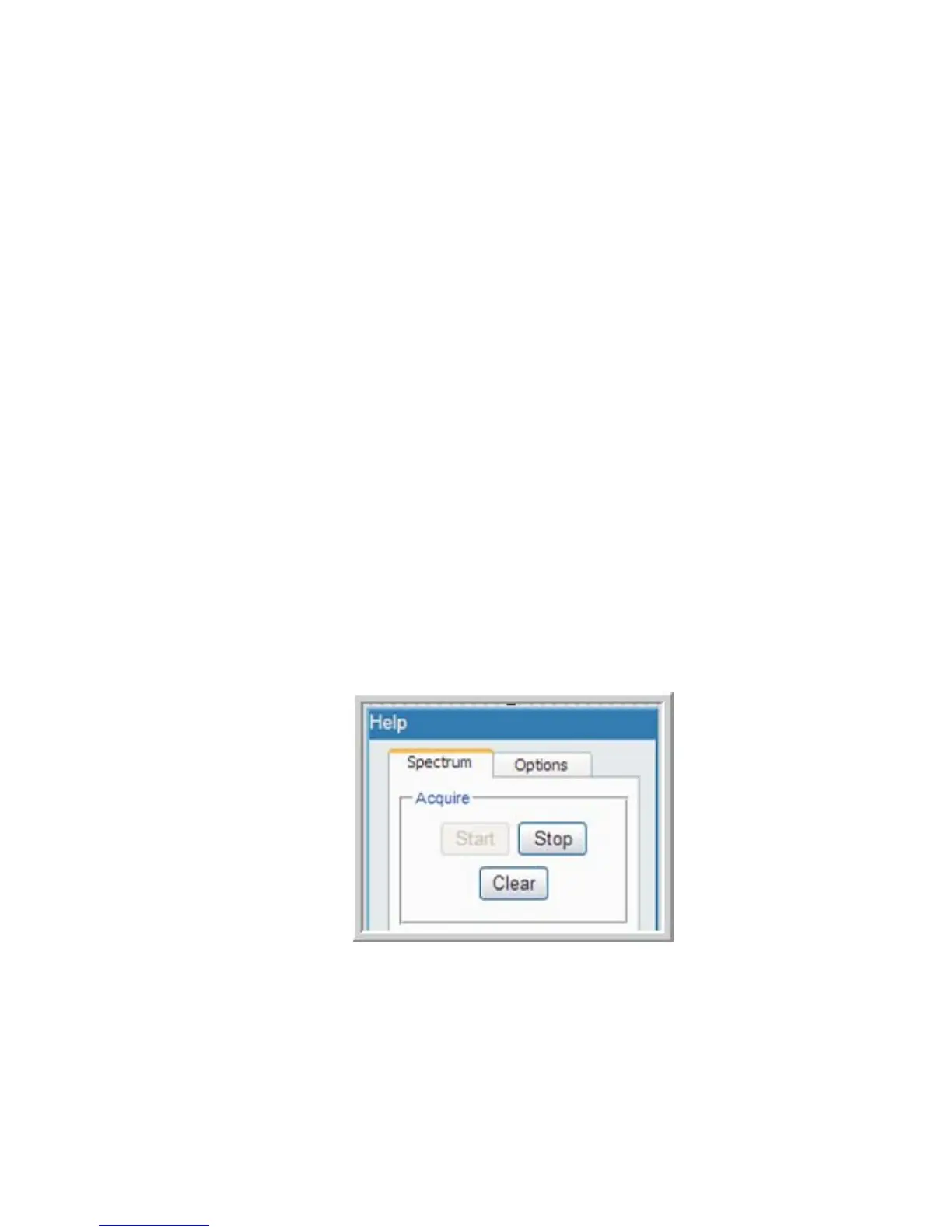
Start your collection. Press the Start button in the Acquire area of the
Spectrum tab to begin the acquisition.
If Start is pressed, and Clear is then pressed, the acquisition will simply
'restart'. If Stop is pressed, the acquisition will stop collecting.
Chapter 1 - Introduction
8 Lynx™ Digital Signal Analyzer
Figure 3 - Spectrum Controls, with Start pressed



 To Next Page