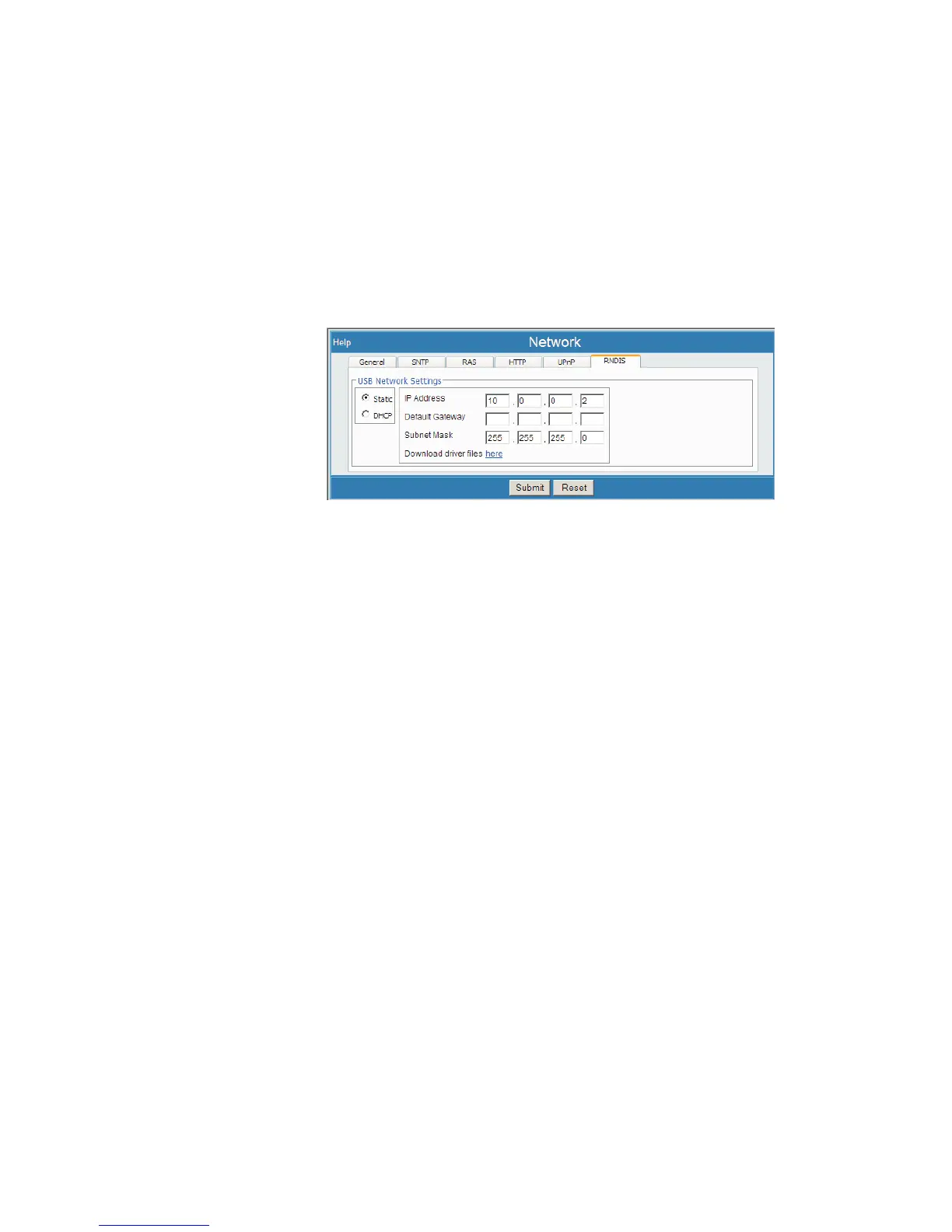
RNDIS
This defines the settings used to communicate with the Lynx via USB as a Remote
NDIS device. This is sometimes referred to as "PPP over USB".
This feature is enabled but is not configured, and therefore will not function, using de
-
fault settings.
Select Network, then select the RNDIS tab.
Driver Files are provided and available for download to your Windows PC using the
'Download driver files here' link, which provides a ZIPped file for installation on your
PC. After installation of the driver files, your PC will have a new service available on
it, called "USB Remote NDIS Y Network Device Driver", which supports RNDIS.
Driver files might only be required for Windows 2000 implementations. The driver
files provided are for Windows-OS systems only.
RNDIS Options are configurable from the Lynx Menu's Network page, using the
RNDIS tab. See Appendix B for RNDIS setting details (starting on page 165).
User’s Manual 113
Network | Time To Live Setup
Figure 86 - USB Network (RNDIS tab) Setup Page



 To Next Page