1. Introduction
The Lynx™ Digital Signal Analyzer (DSA) is the most advanced, full-featured
Multichannel Analyzer (MCA) ever offered. It is a 32K channel integrated signal ana
-
lyzer based on advanced digital signal processing (DSP) techniques.
This manual describes the capabilities of the Lynx DSA and its Web-browser-based
control software. Setup and interaction with the Genie 2000 software is reviewed, as it
relates to the Lynx MCA. System setup details for the Lynx system are provided, and
User instructions for data acquisitions is also described.
Comprehensive online help is provided by the Lynx system through its user interface.
Select the Help link on the webpage you are viewing for context-sensitive informa
-
tion. Quick-Start and Setup steps gloss over details, as a mere 'refresher'.
Quick-Start Information
New, Out-of-the-Box system? Follow the Quick Setup Summary in Appendix B
A User (you) may do the following to quickly access the Lynx (in most cases):
•
Connect and set up the Lynx for a network connection; see Appendix B. Then,
from your computer, launch your Internet browser (e.g., Internet Explorer).
•
Enter the URL for your Lynx DSA : _______________________________
The default URL of http://10.0.0.3/
is factory preset. If you still cannot
access the Lynx, STOP, and contact your Lynx administrator.
User’s Manual 1
Quick-Start Information
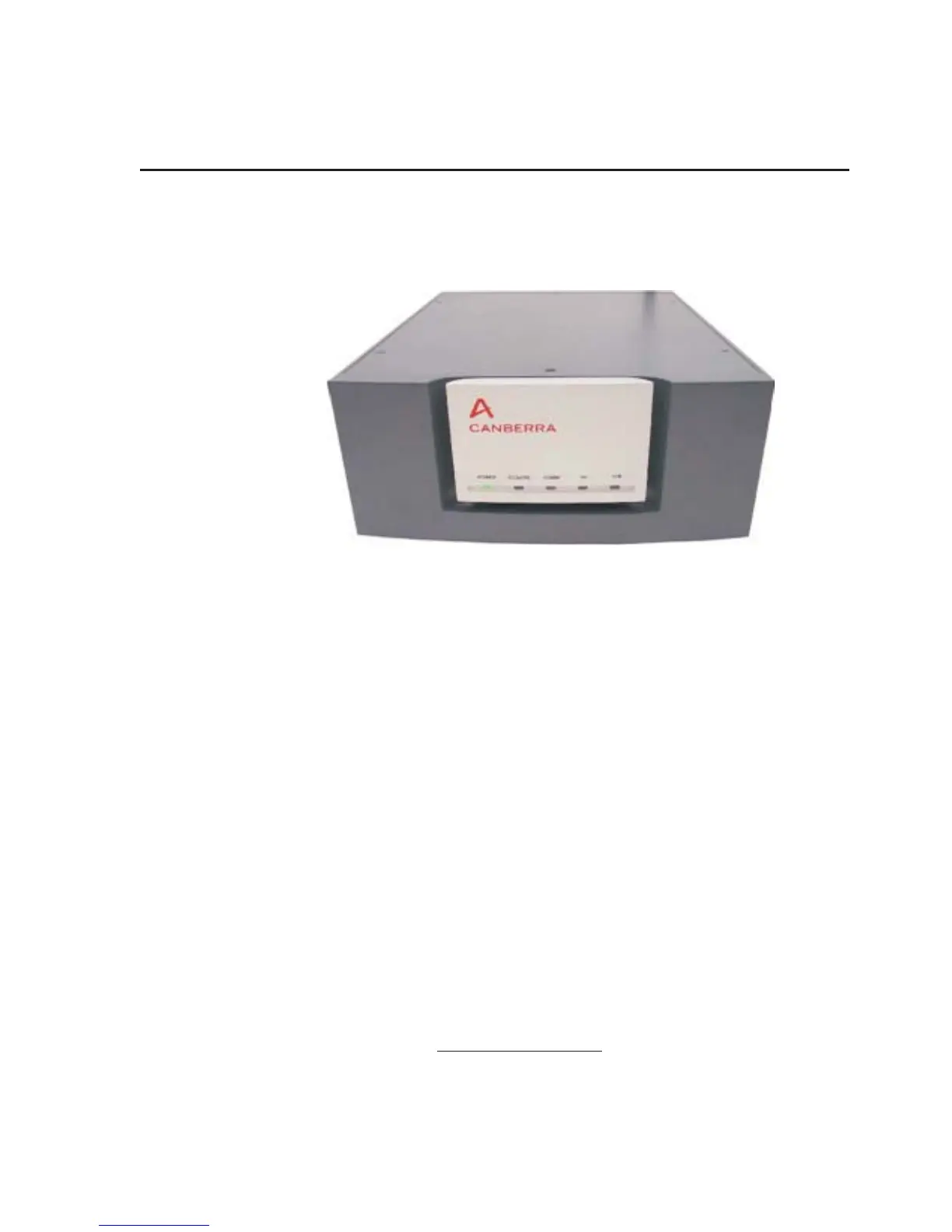
Figure 1 - Front View of Lynx DSA



 To Next Page