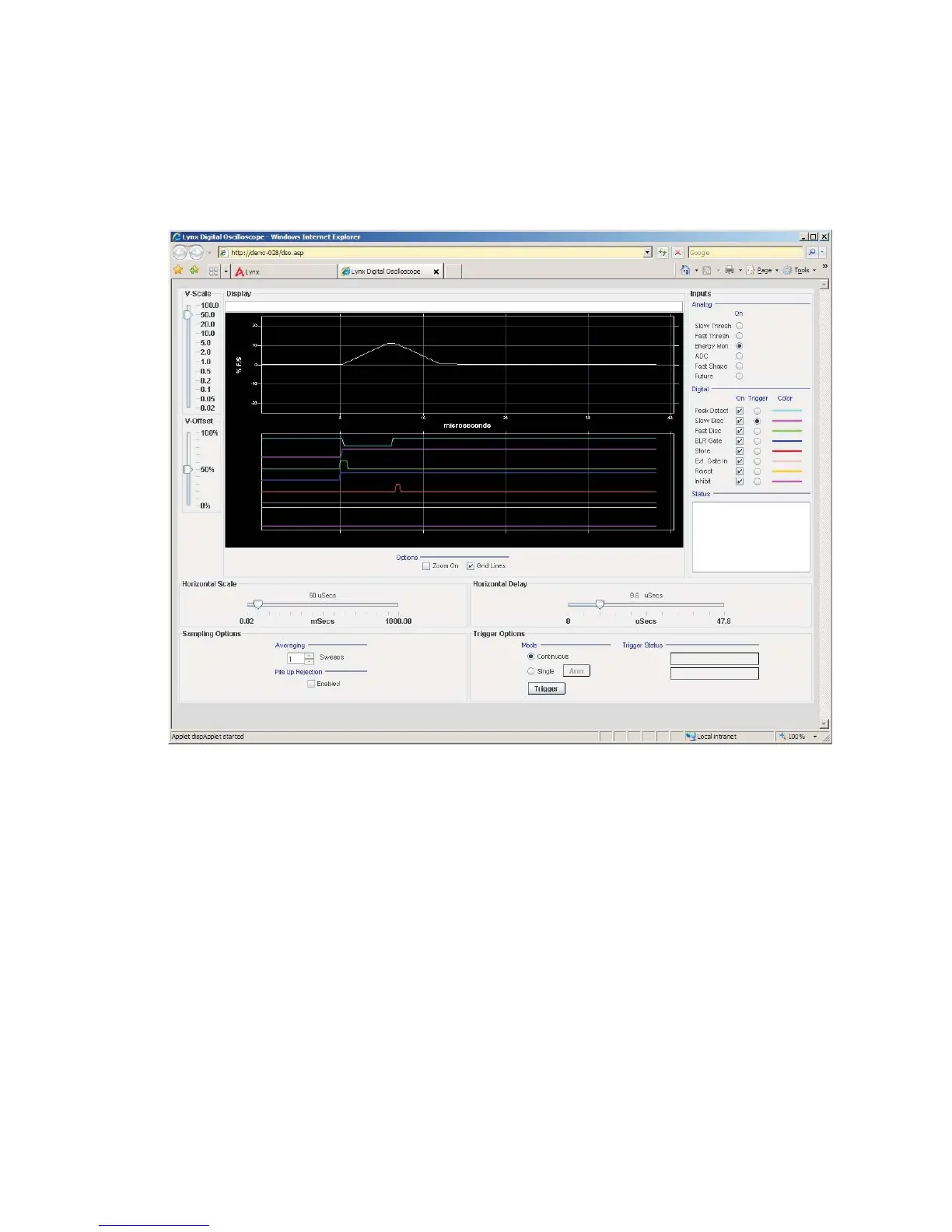
Digital Oscilloscope
The Digital Oscilloscope option (DSO in the Security menu) is a specialized tool for
working with spectral data that is built into the Lynx system.
The digital oscilloscope is not a typical Lynx Menu option, but more like a separate
tool accessible from the Lynx menu. It is not specific to an Input or your acquisitions.
Note This feature is browser specific (suggested: use IE 6 /7, or Opera)
See Chapter 5 of this User's Guide for complete information on this feature.
User’s Manual 105
Digital Oscilloscope |
Figure 79 - The Digital Oscilloscope's initial screen view



 To Next Page